 EUR
EUR
 GBP
GBP
 USD
USD
Large House - Sleeps 10 - Parking - WIFI - Smart TV
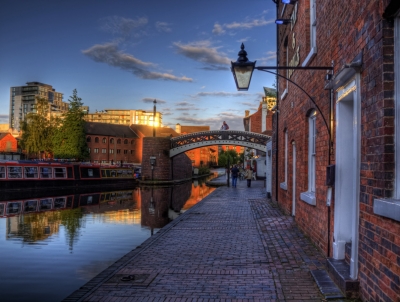
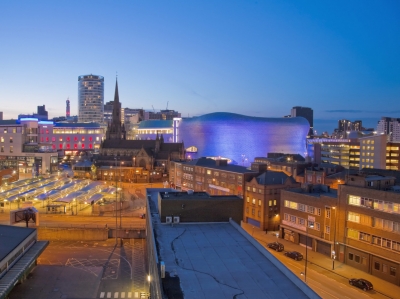
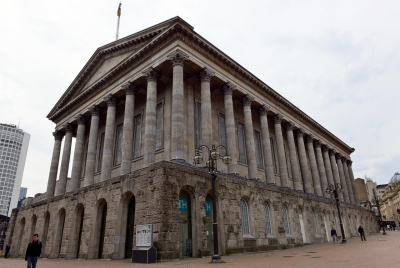
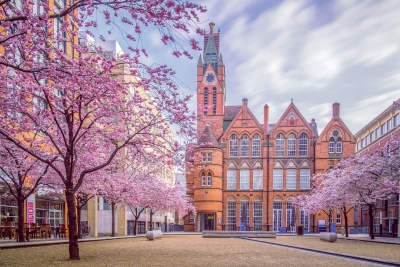
Birmingham, United Kingdom of Great Britain and Northern Ireland See on Map

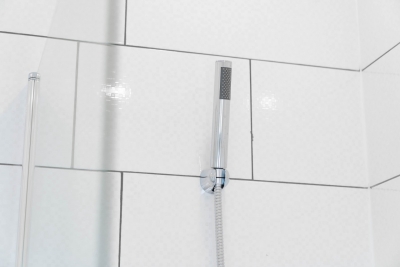
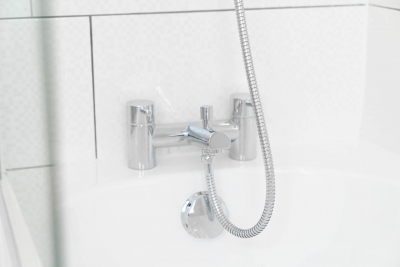
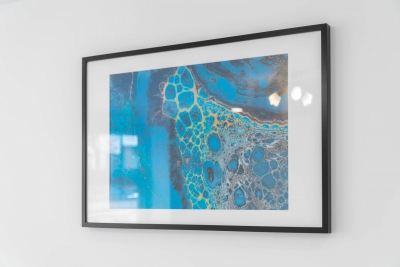
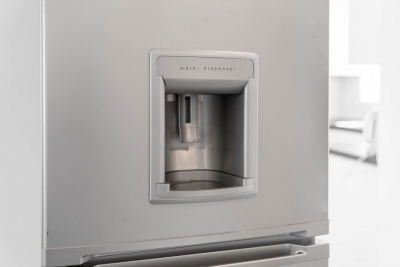
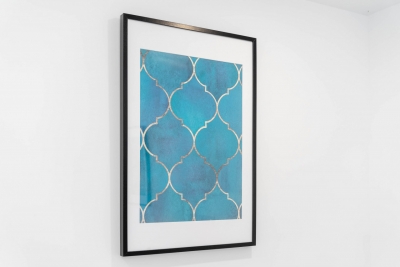
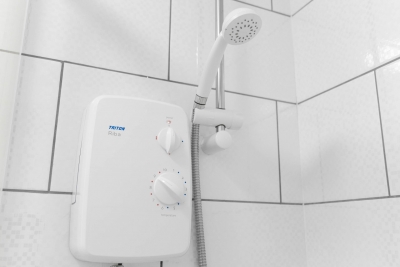



- Penthouse
- 372 m2
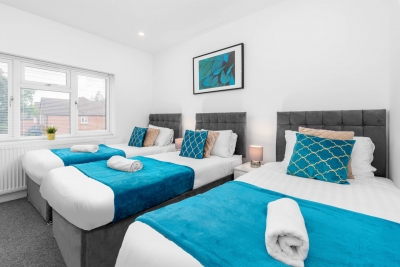
- 10 guests
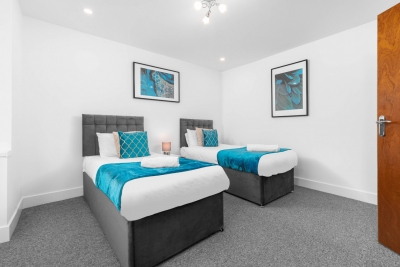
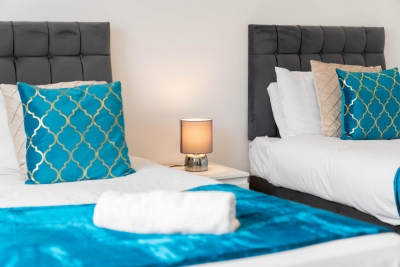
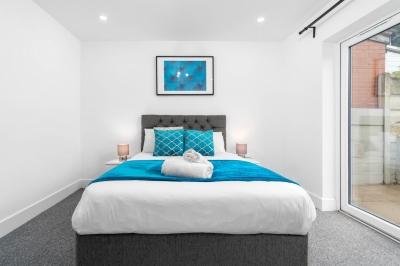
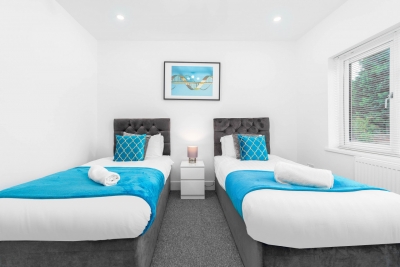
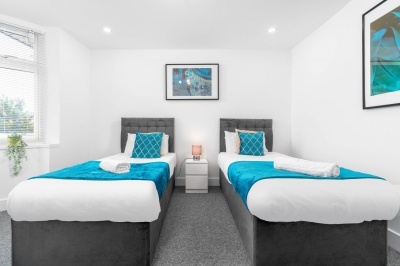
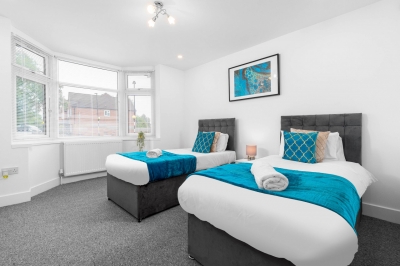
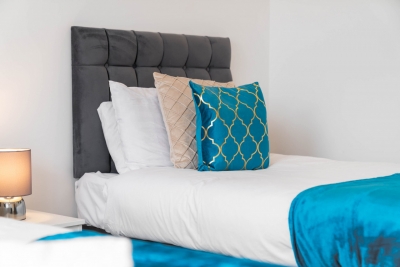
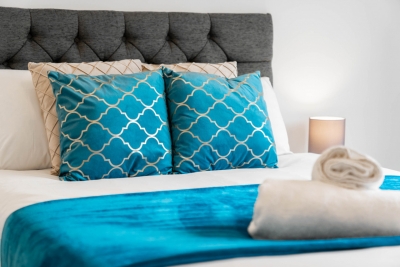
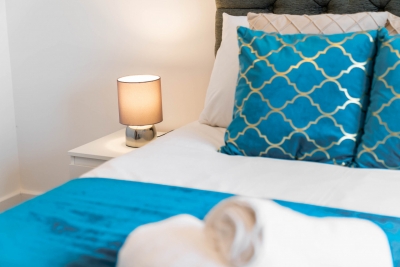
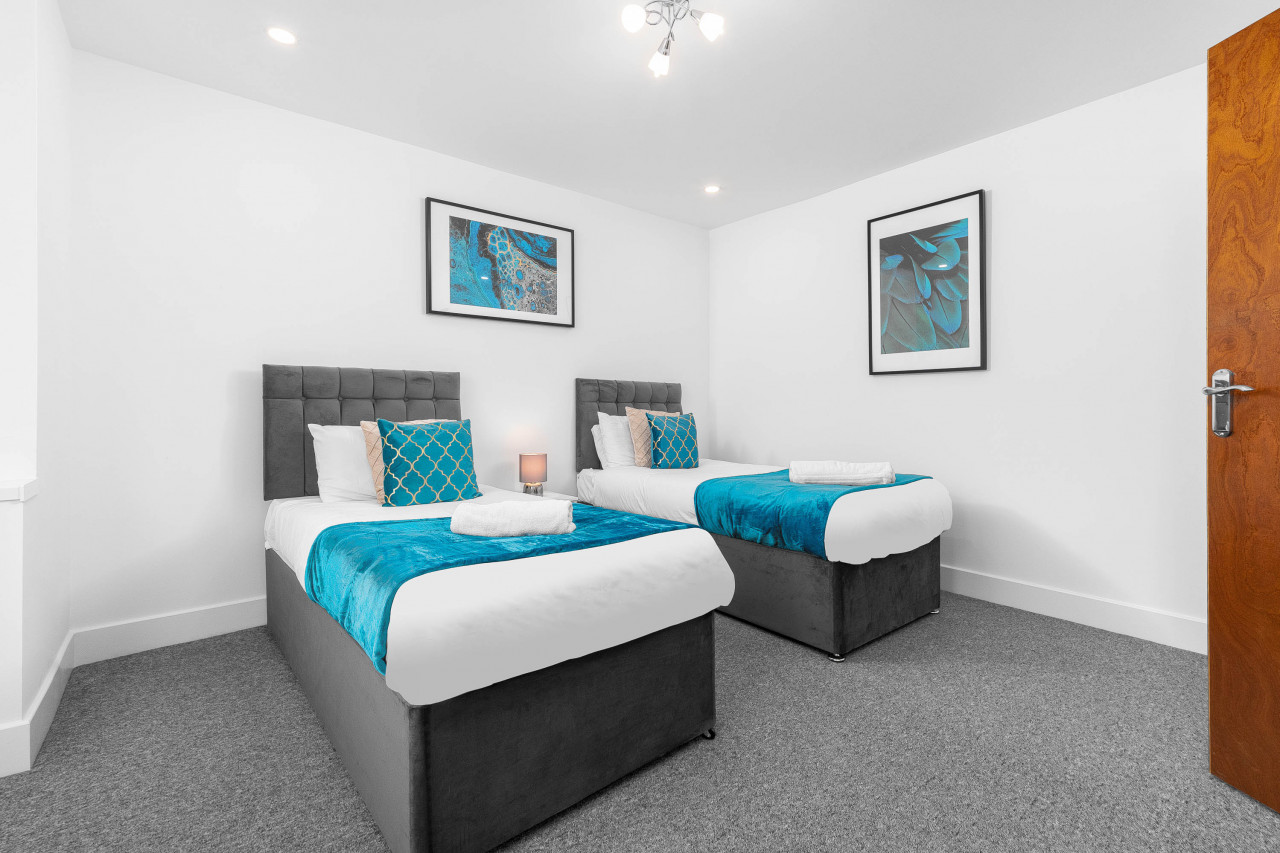
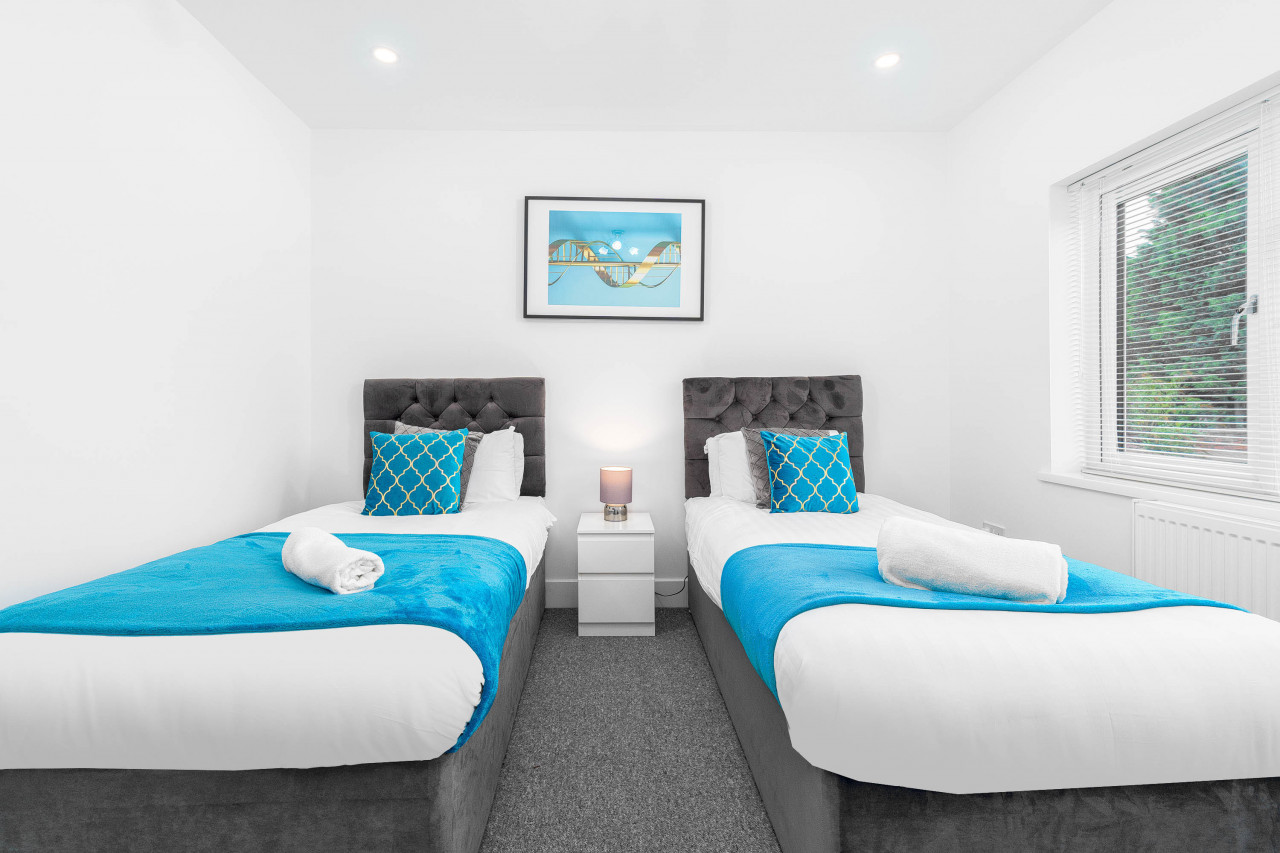
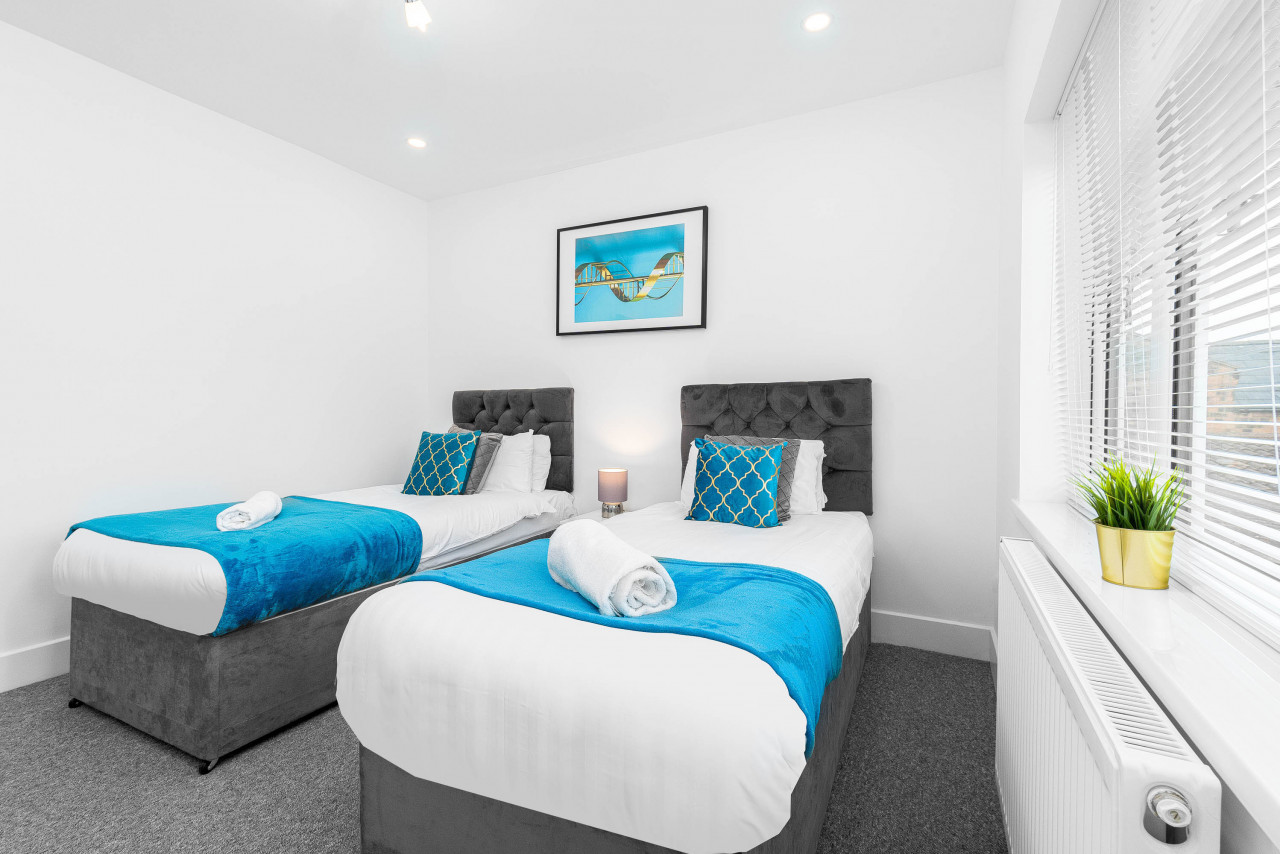
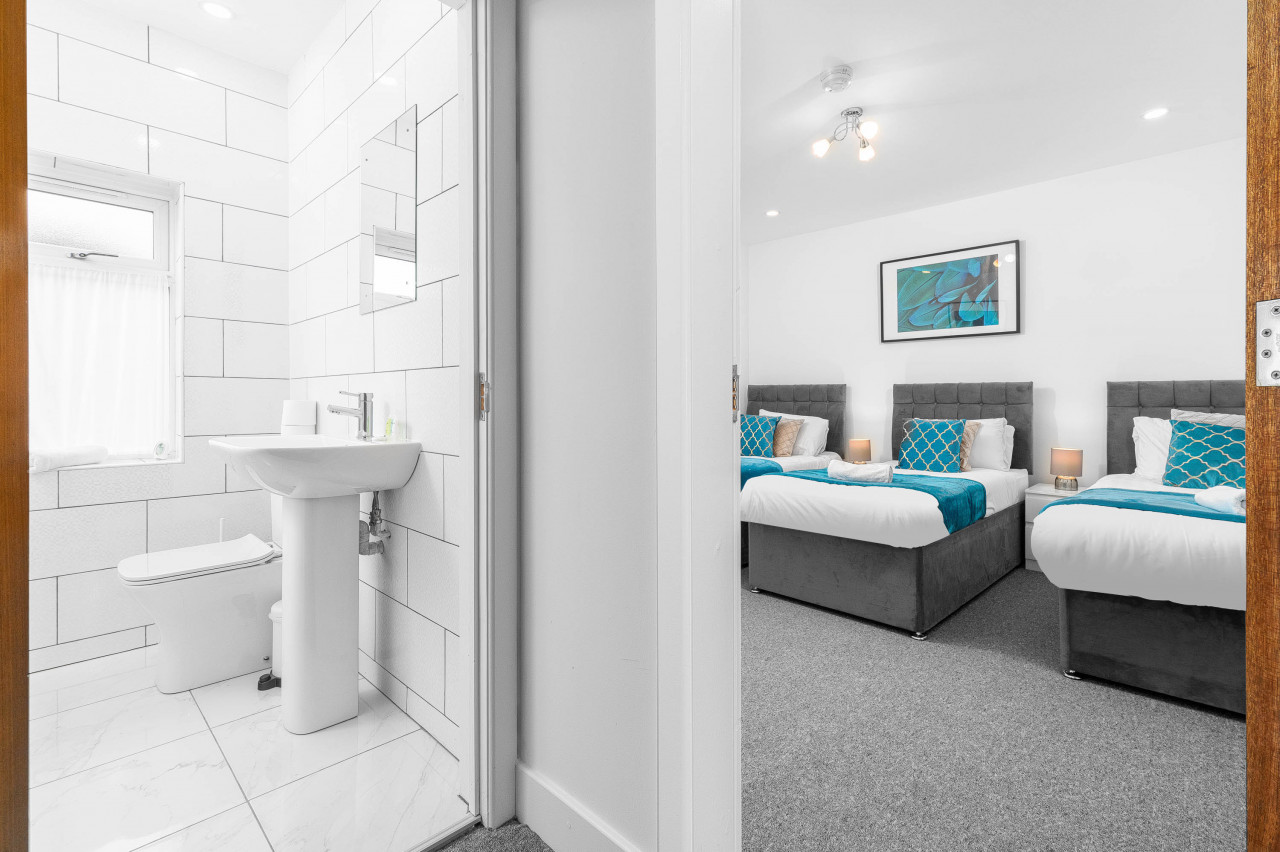
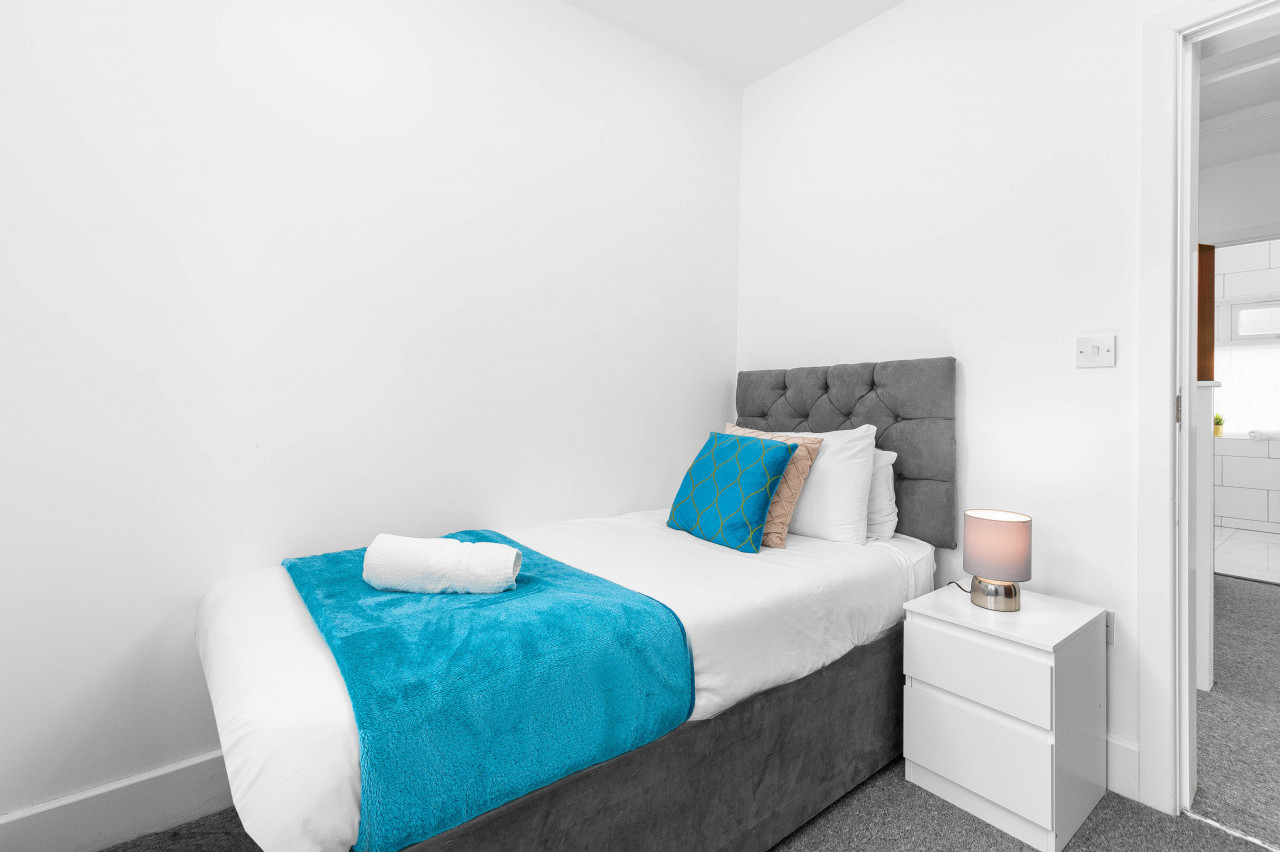
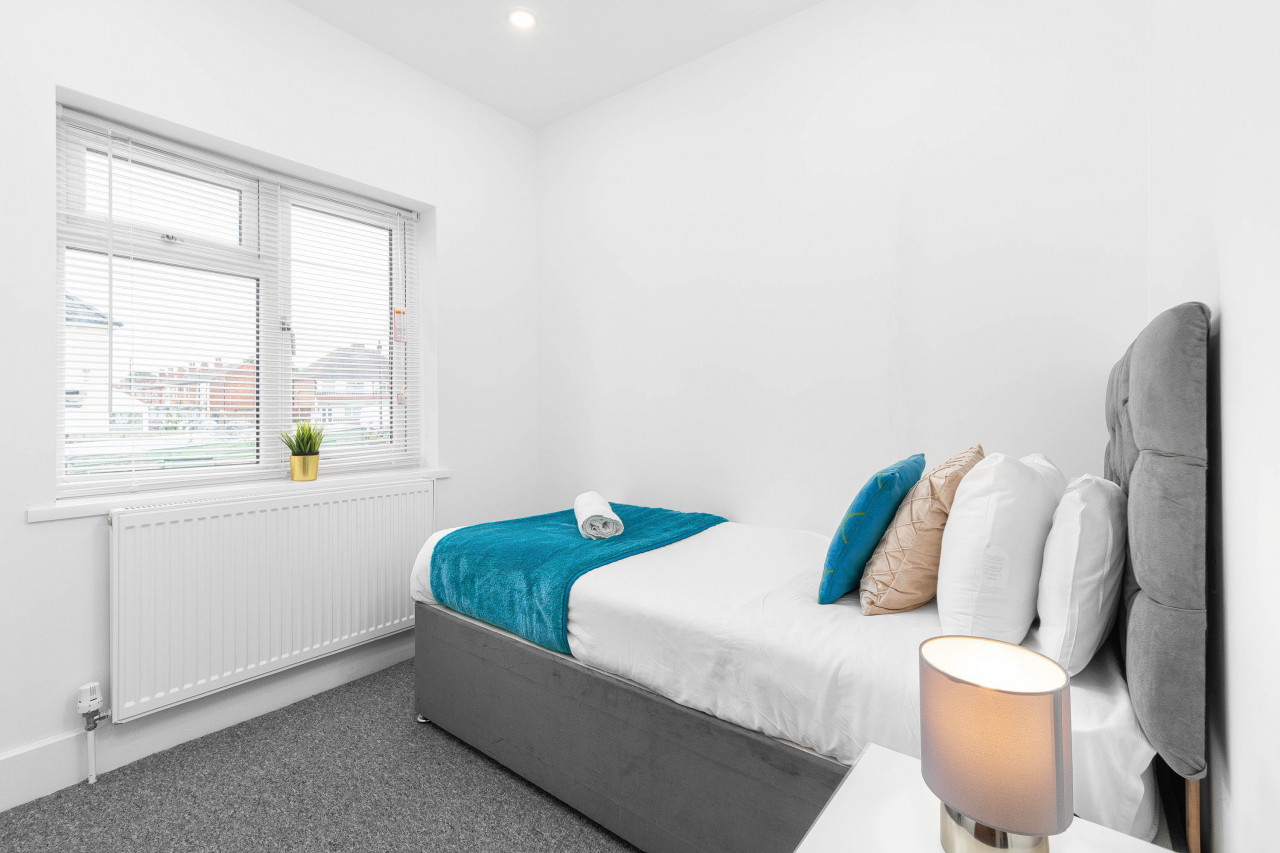
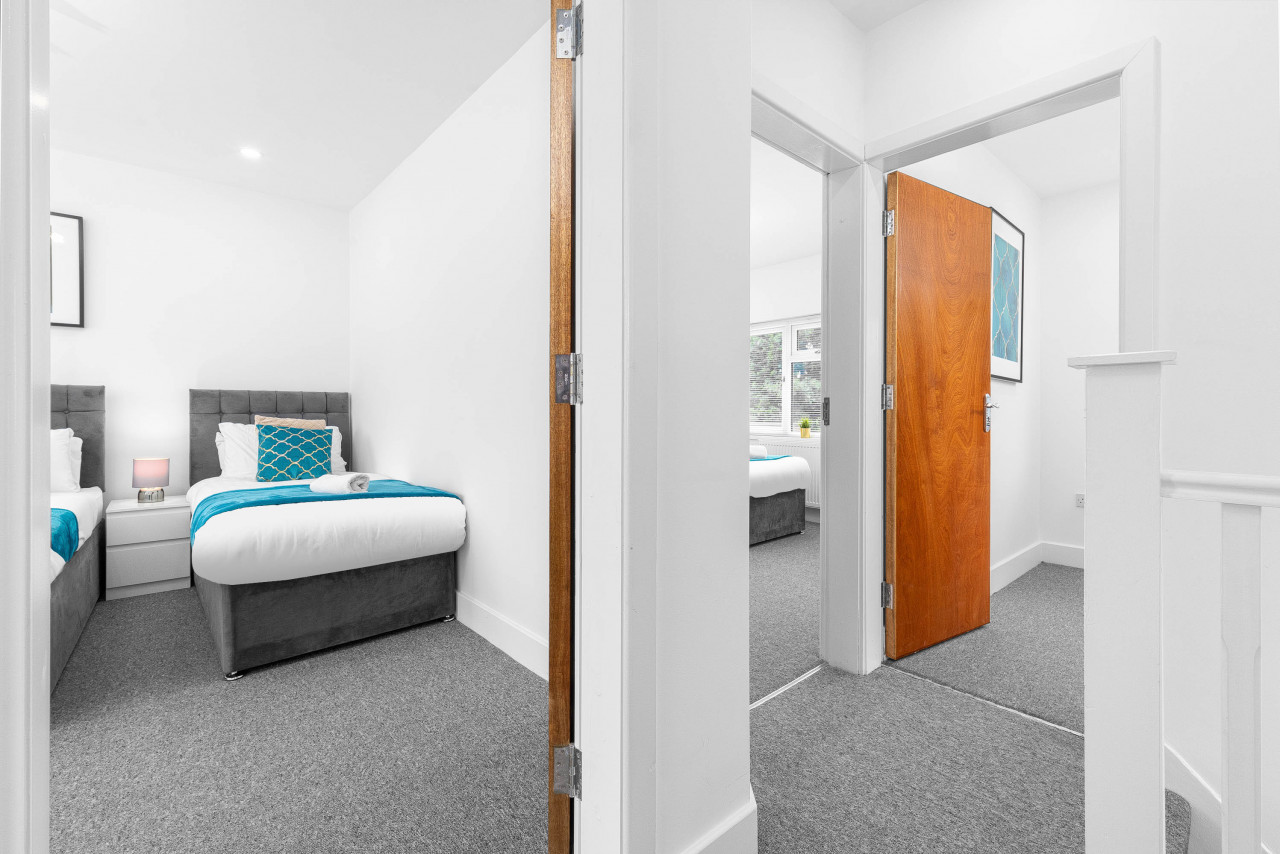
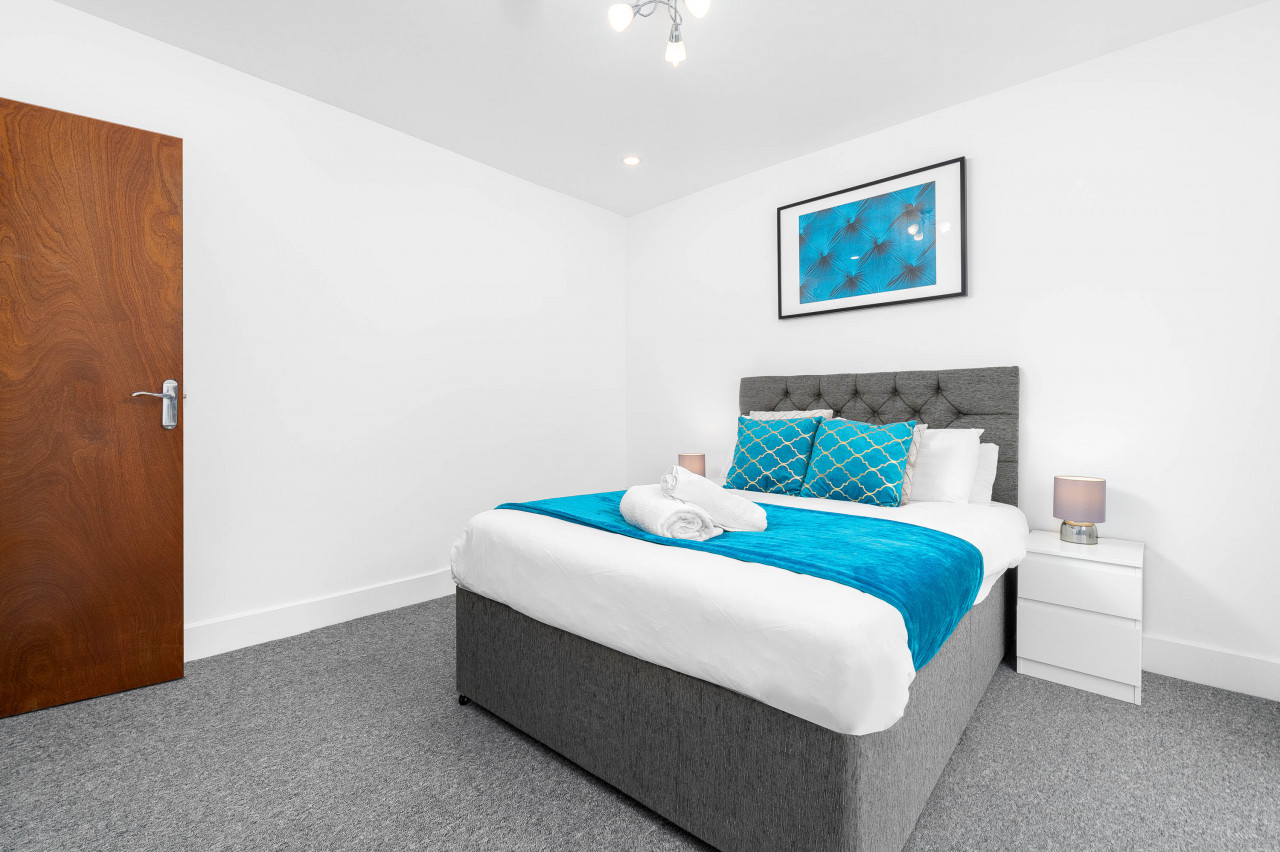
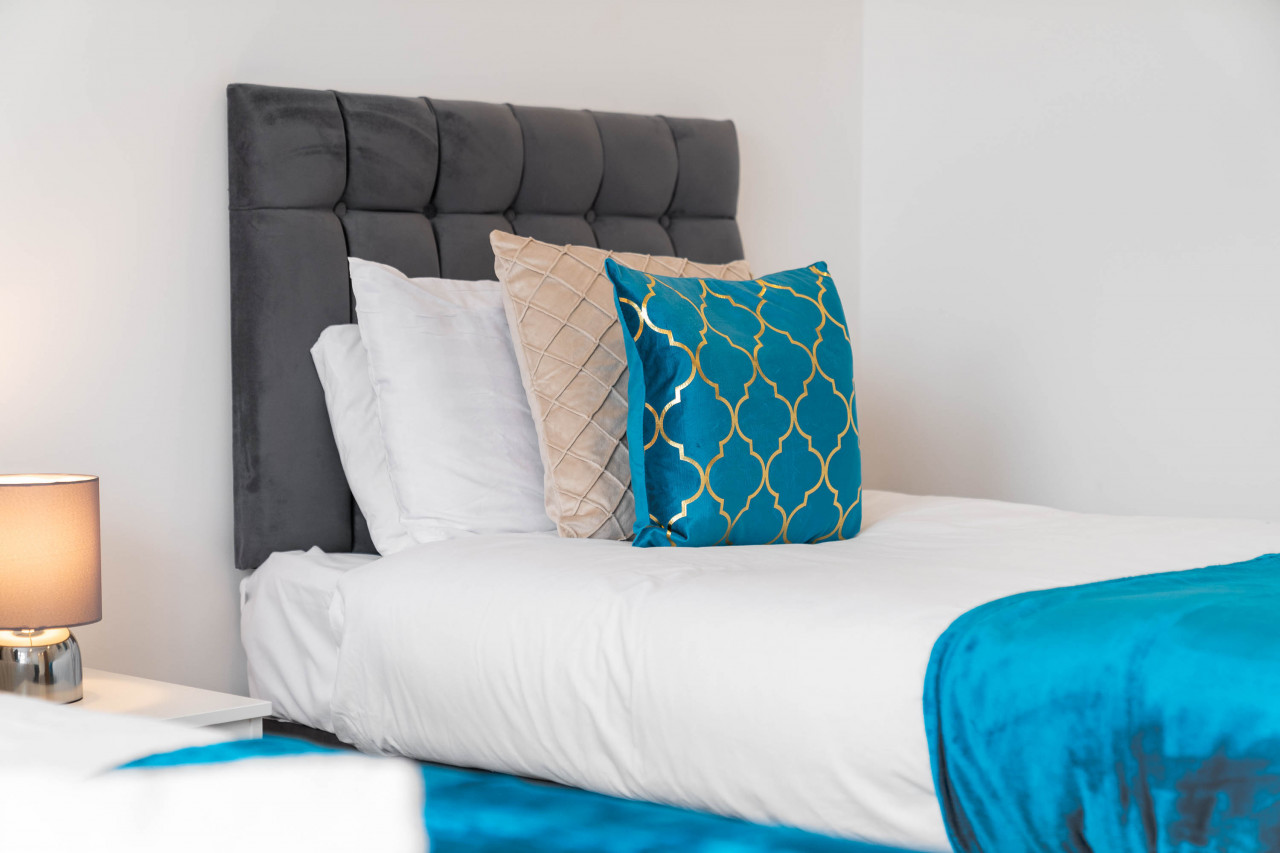
- 5 bedrooms
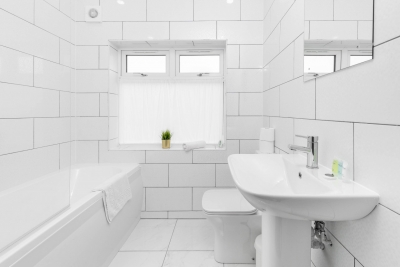
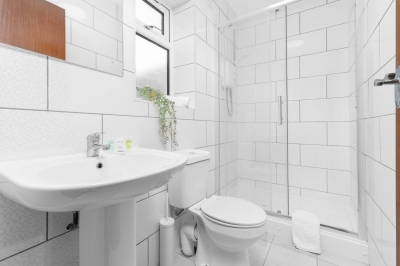
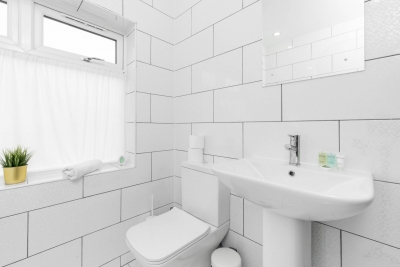
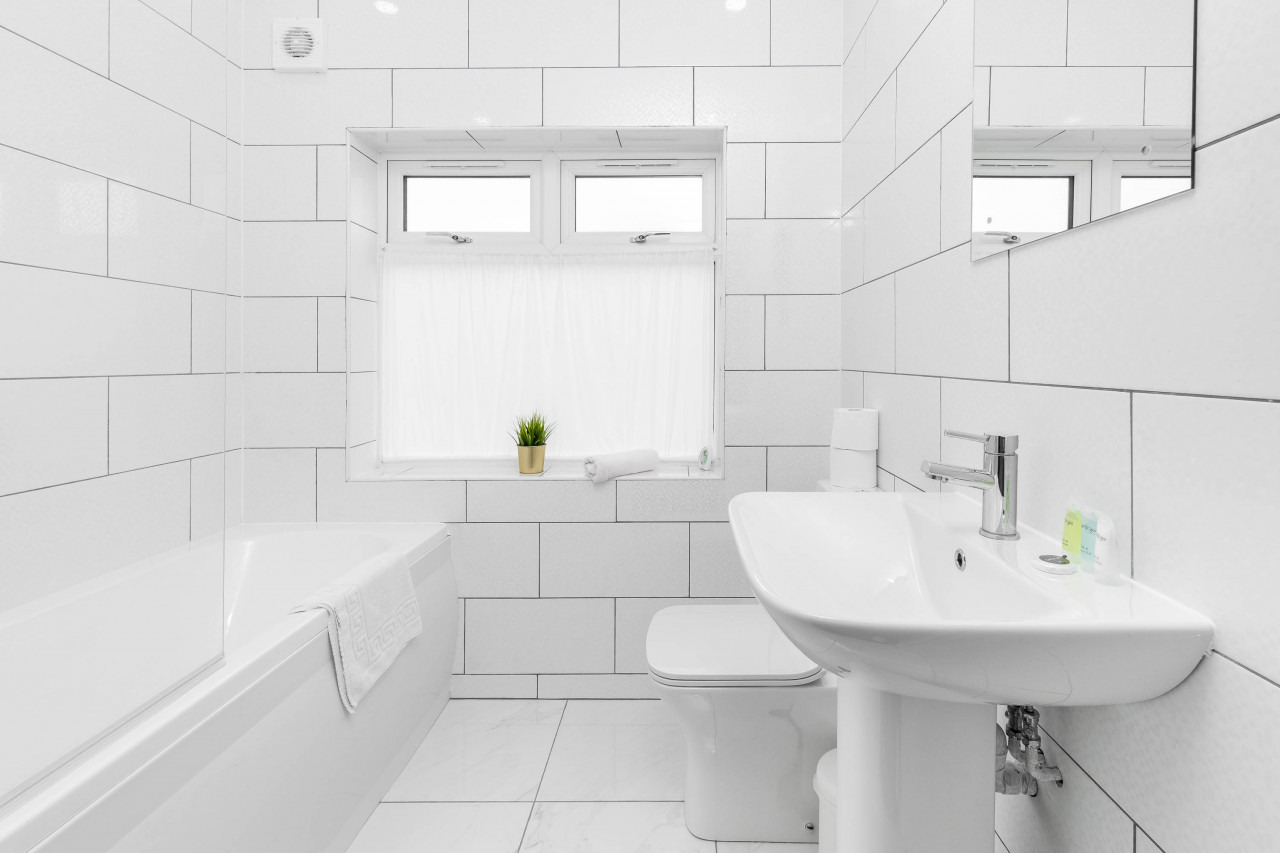
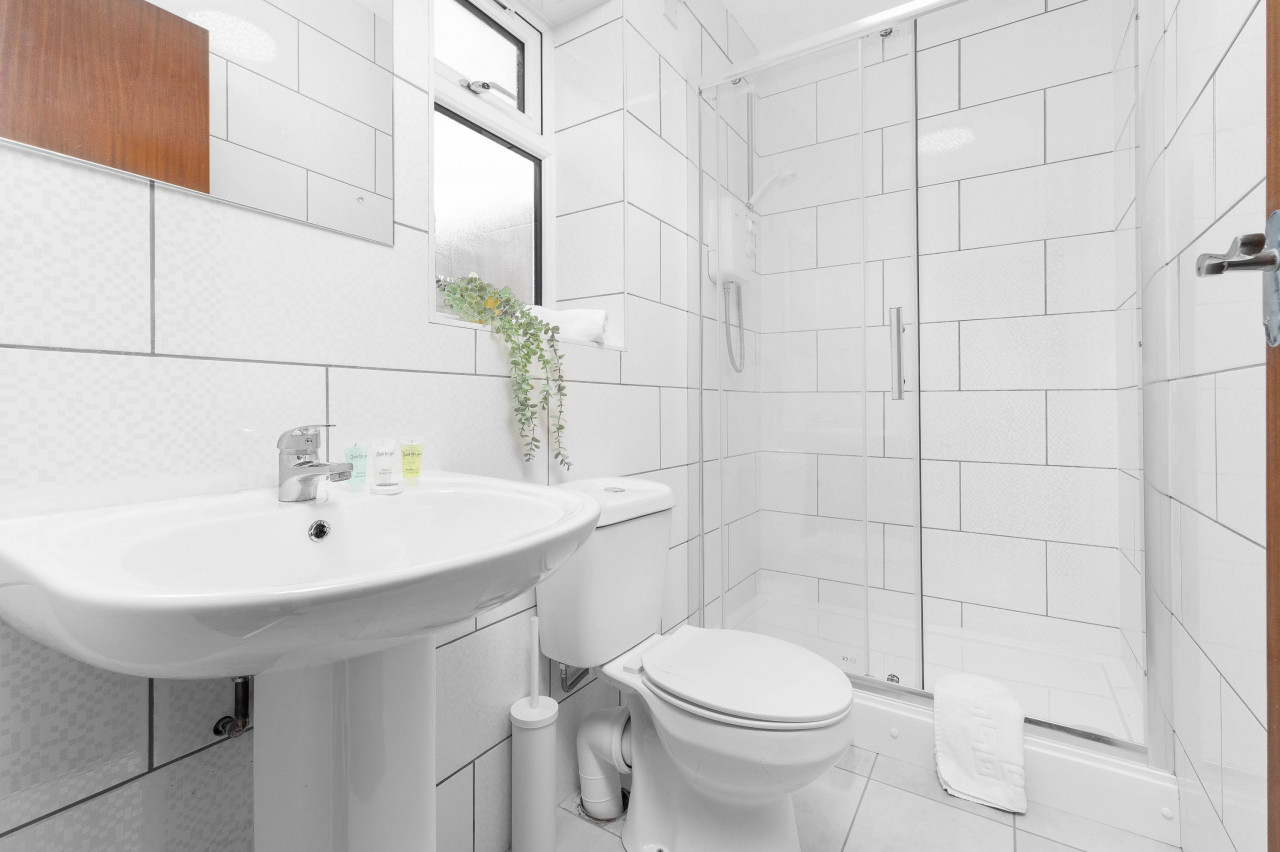
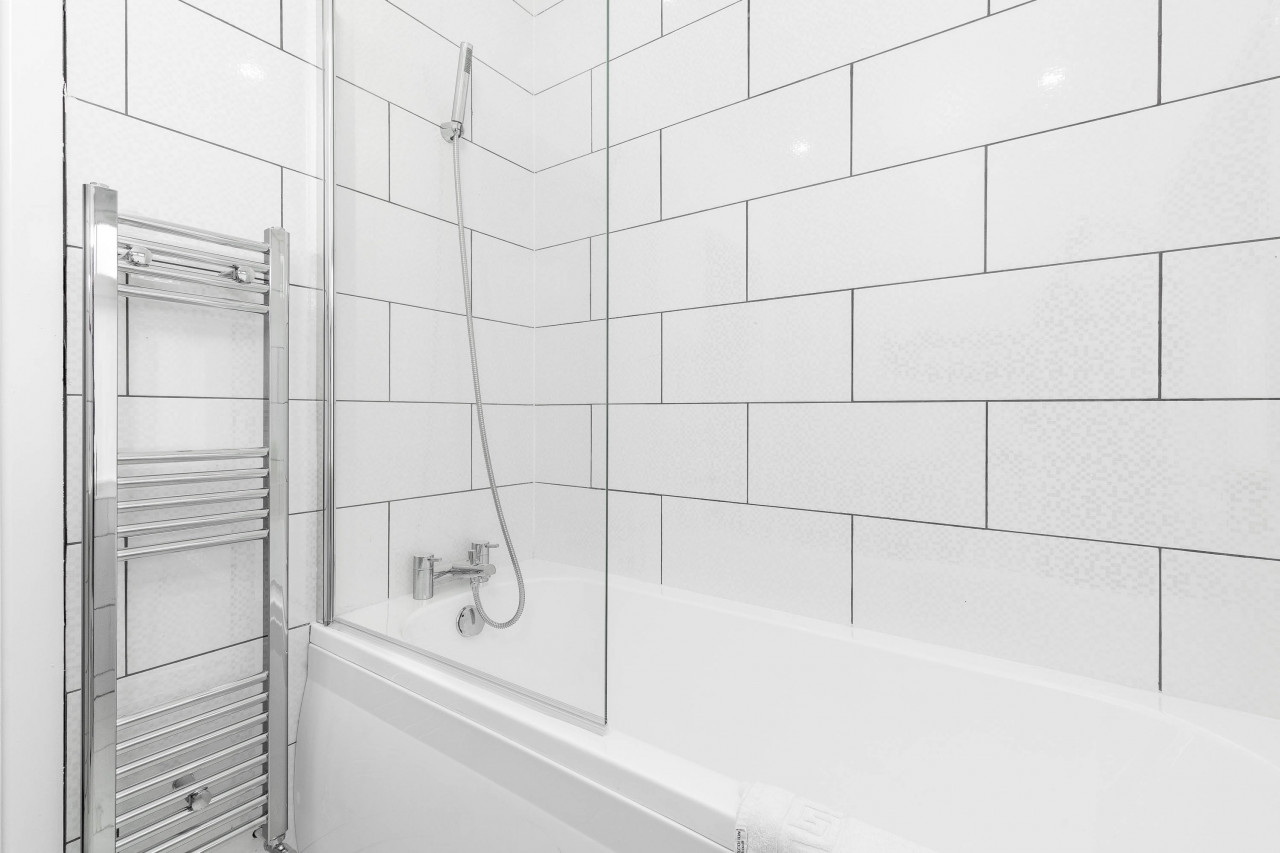
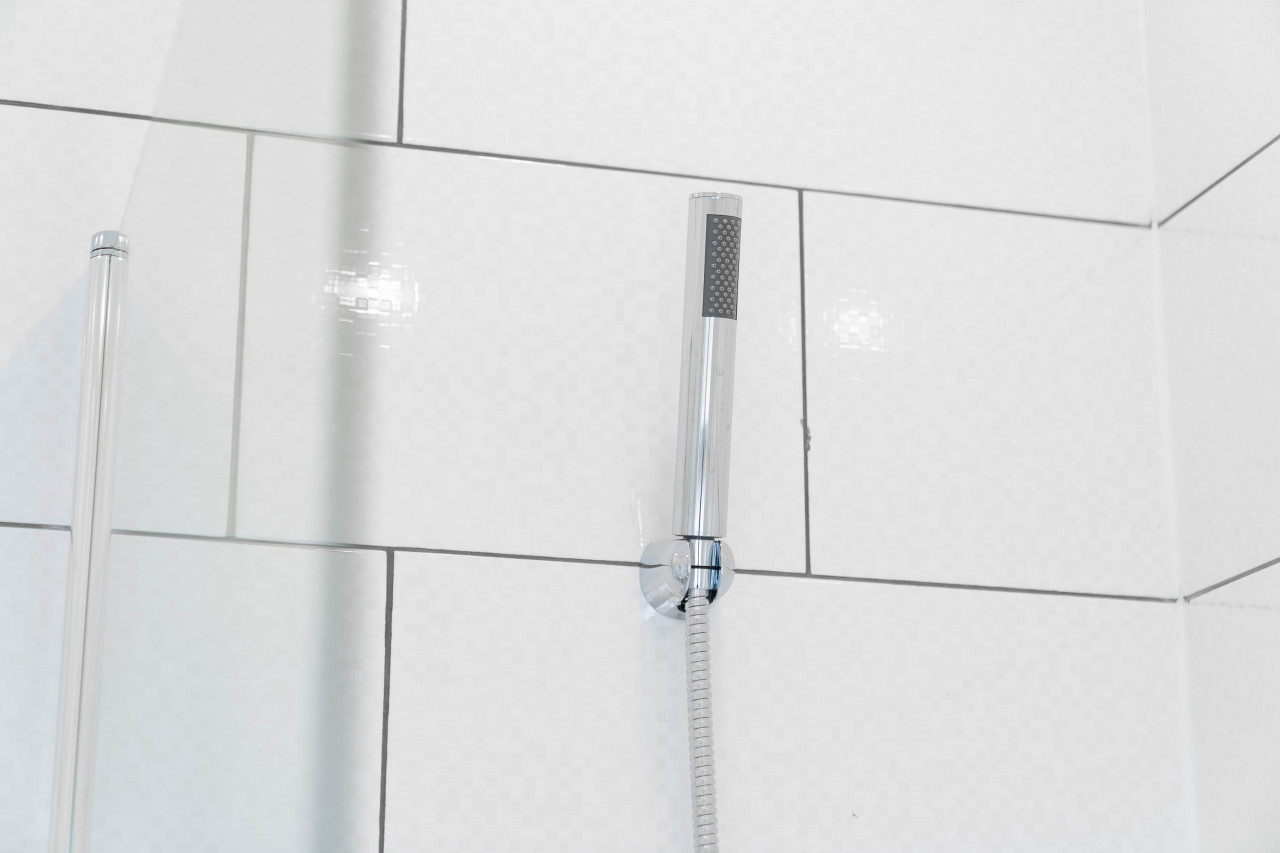
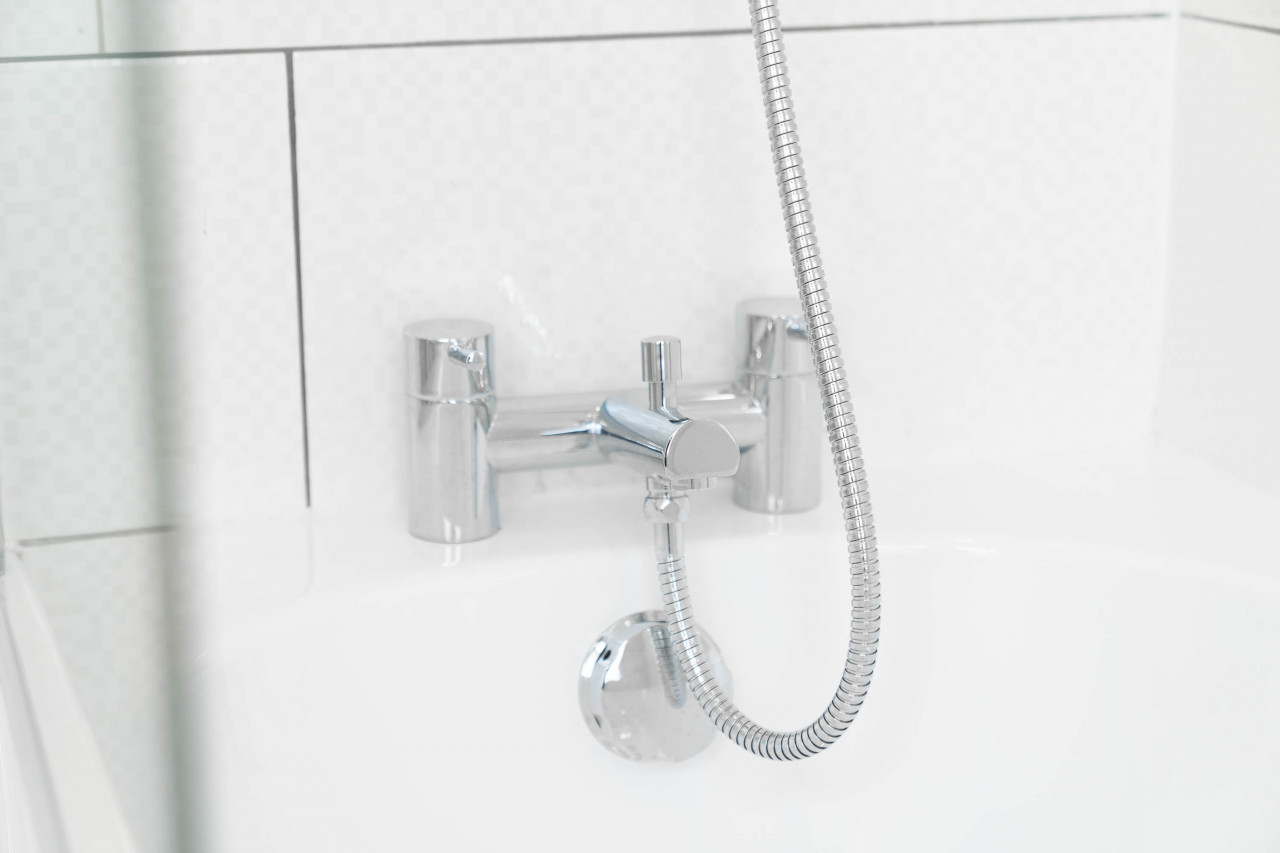
- 2 bathrooms
Description
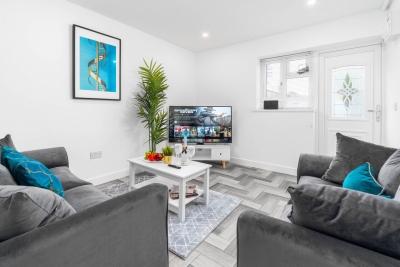
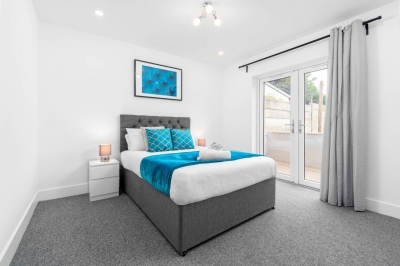
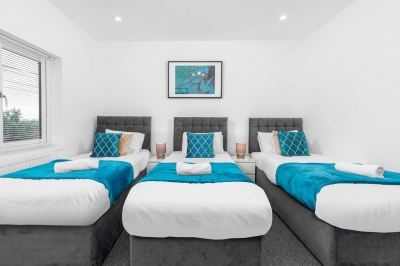
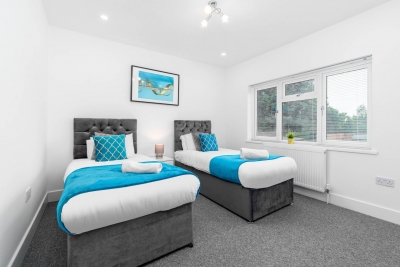
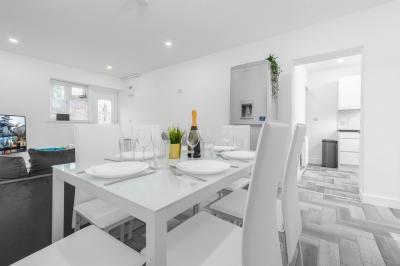
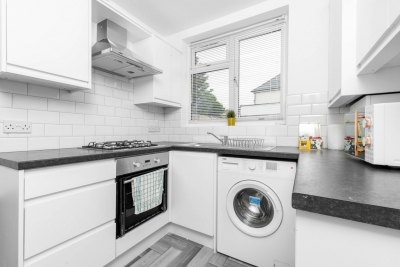
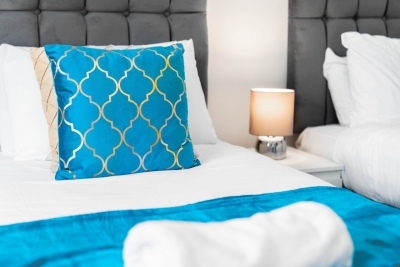
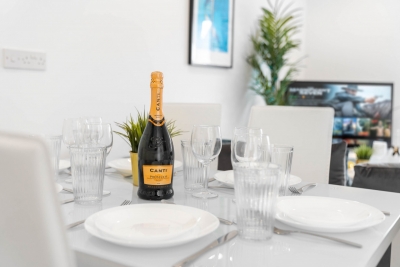
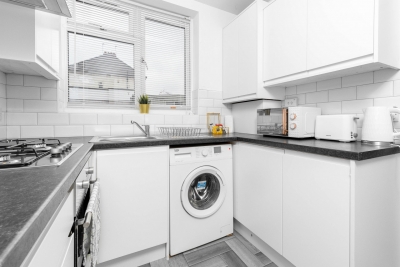
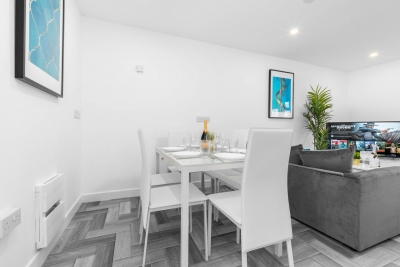
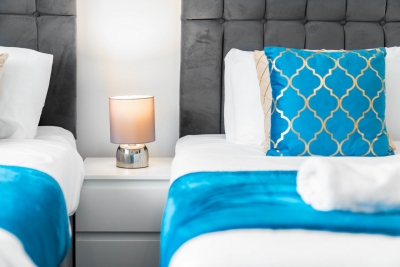
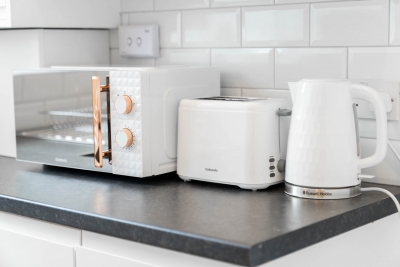
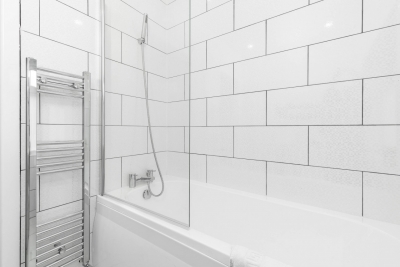
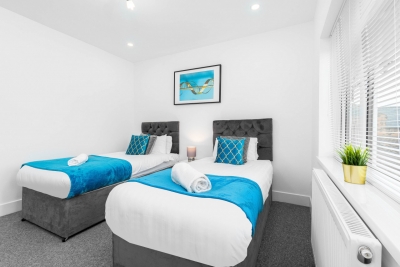
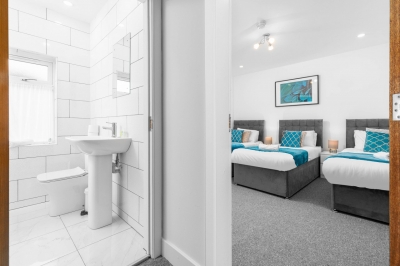
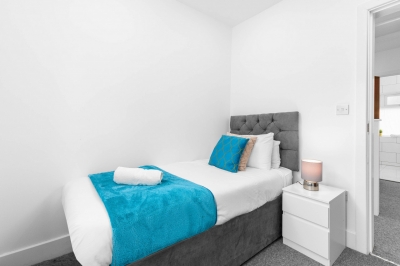
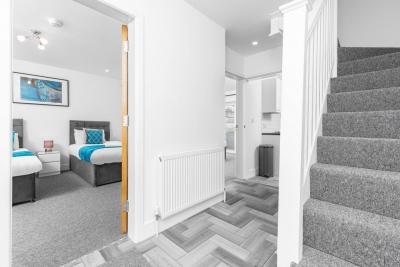
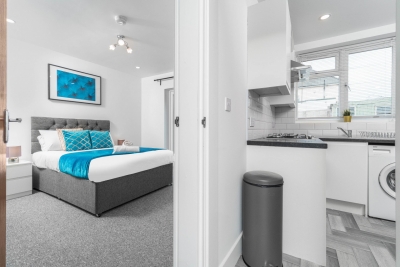
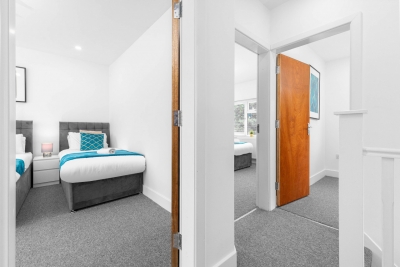
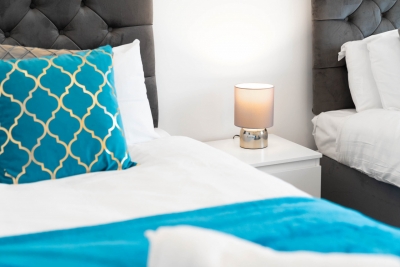
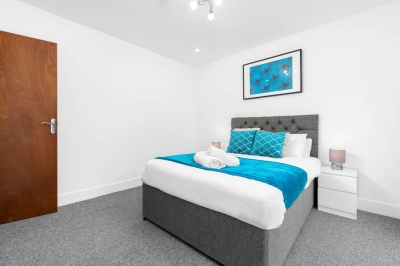
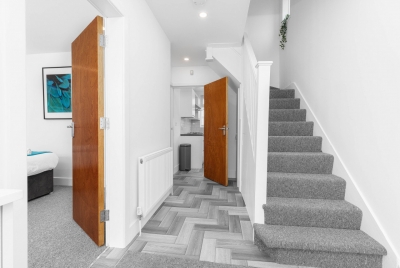
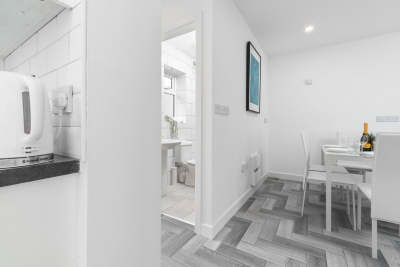
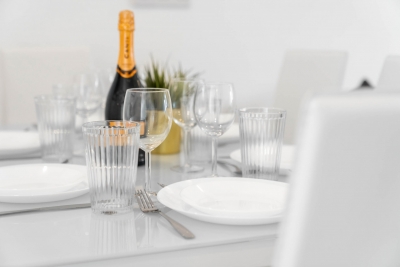
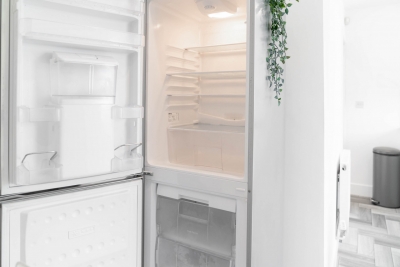
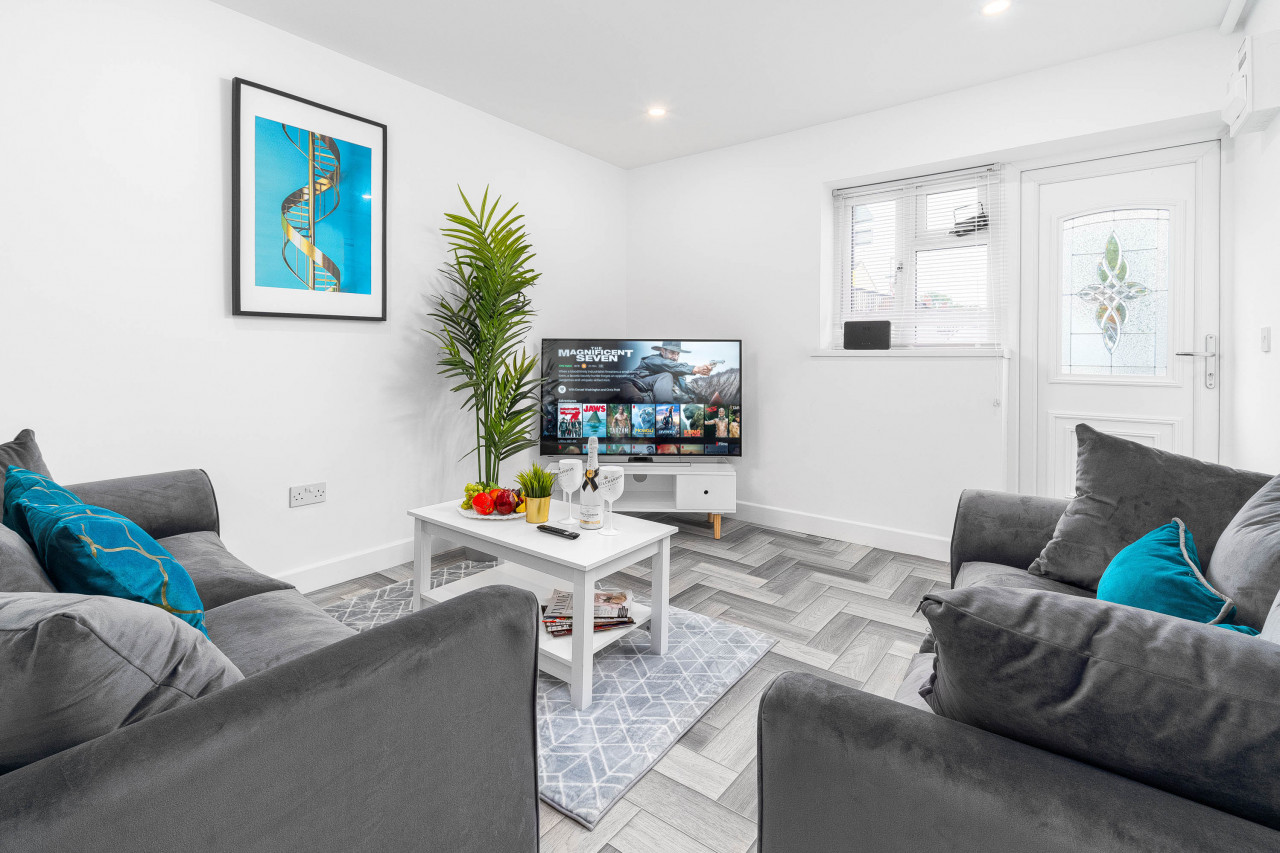
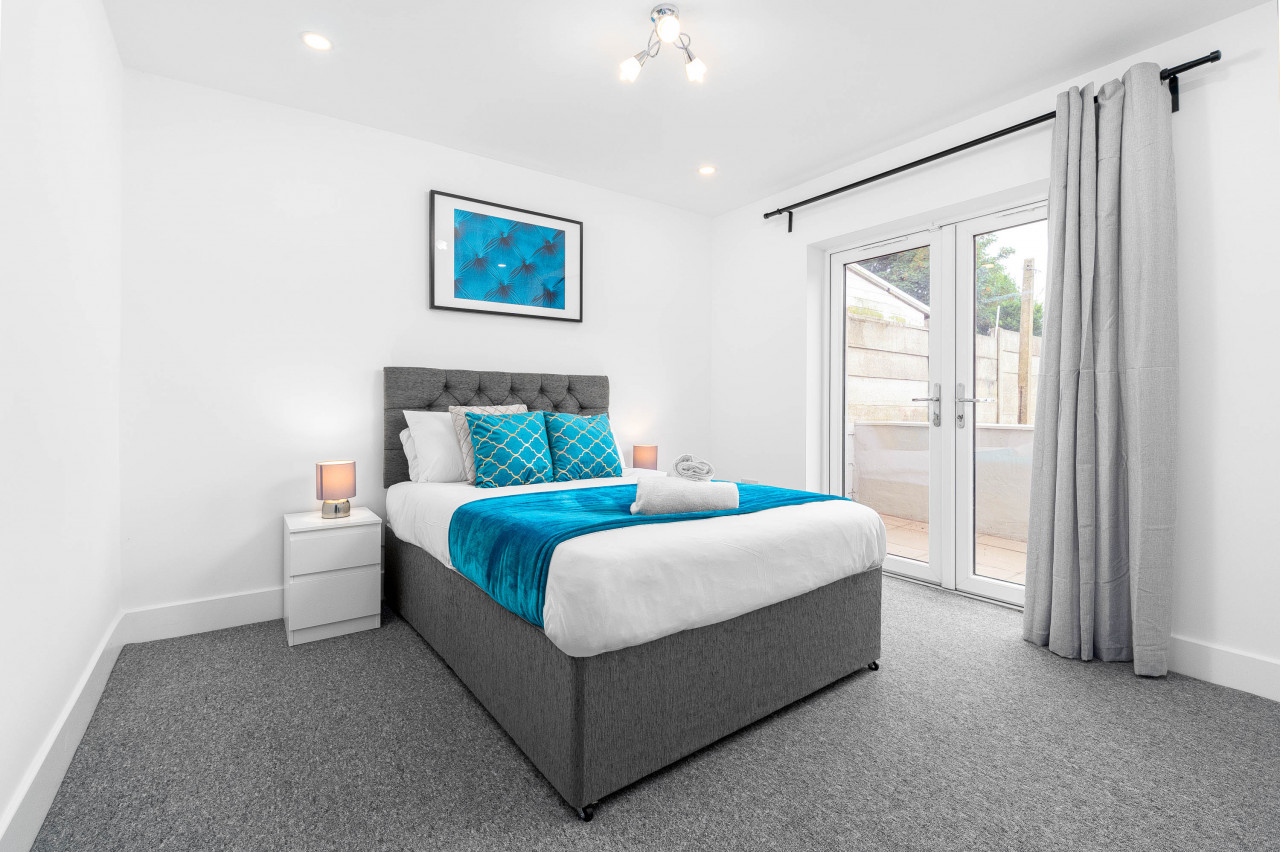
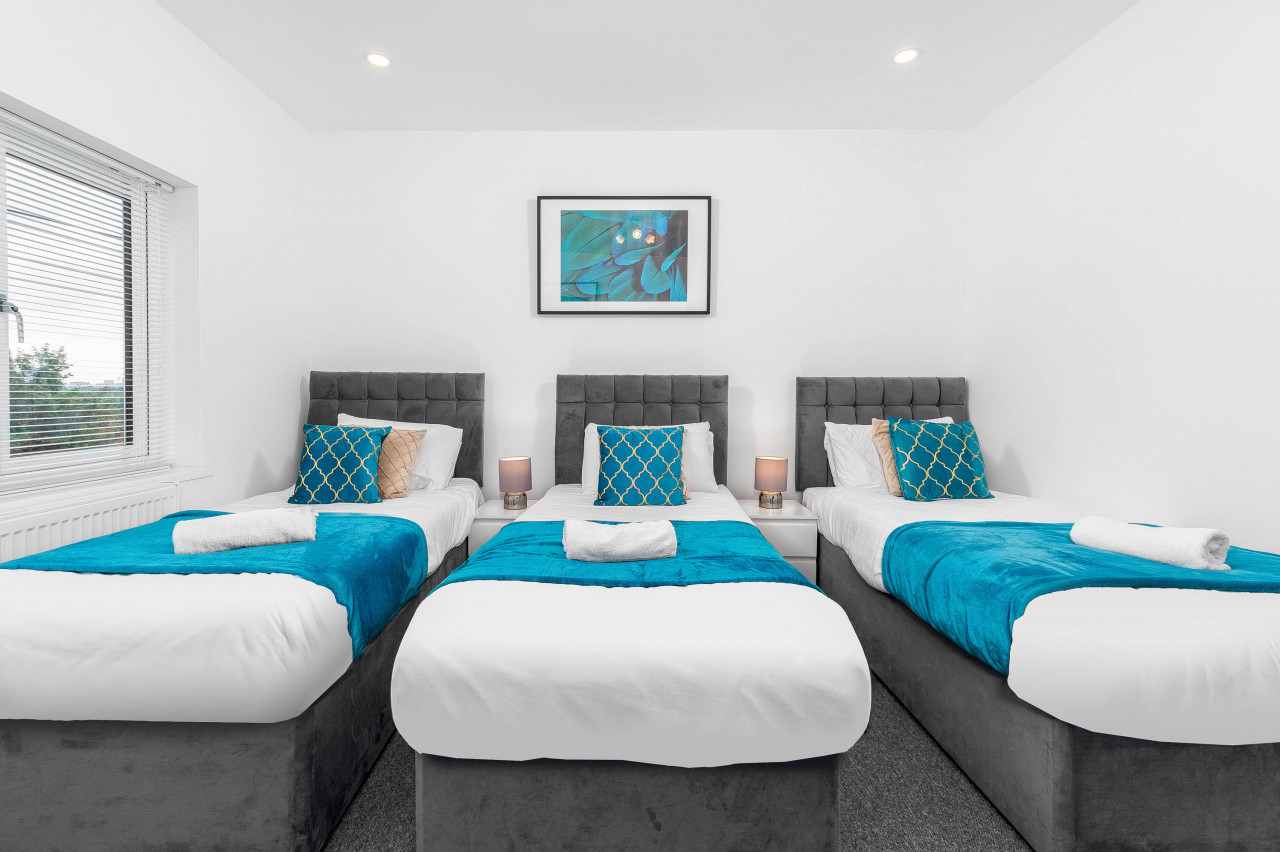
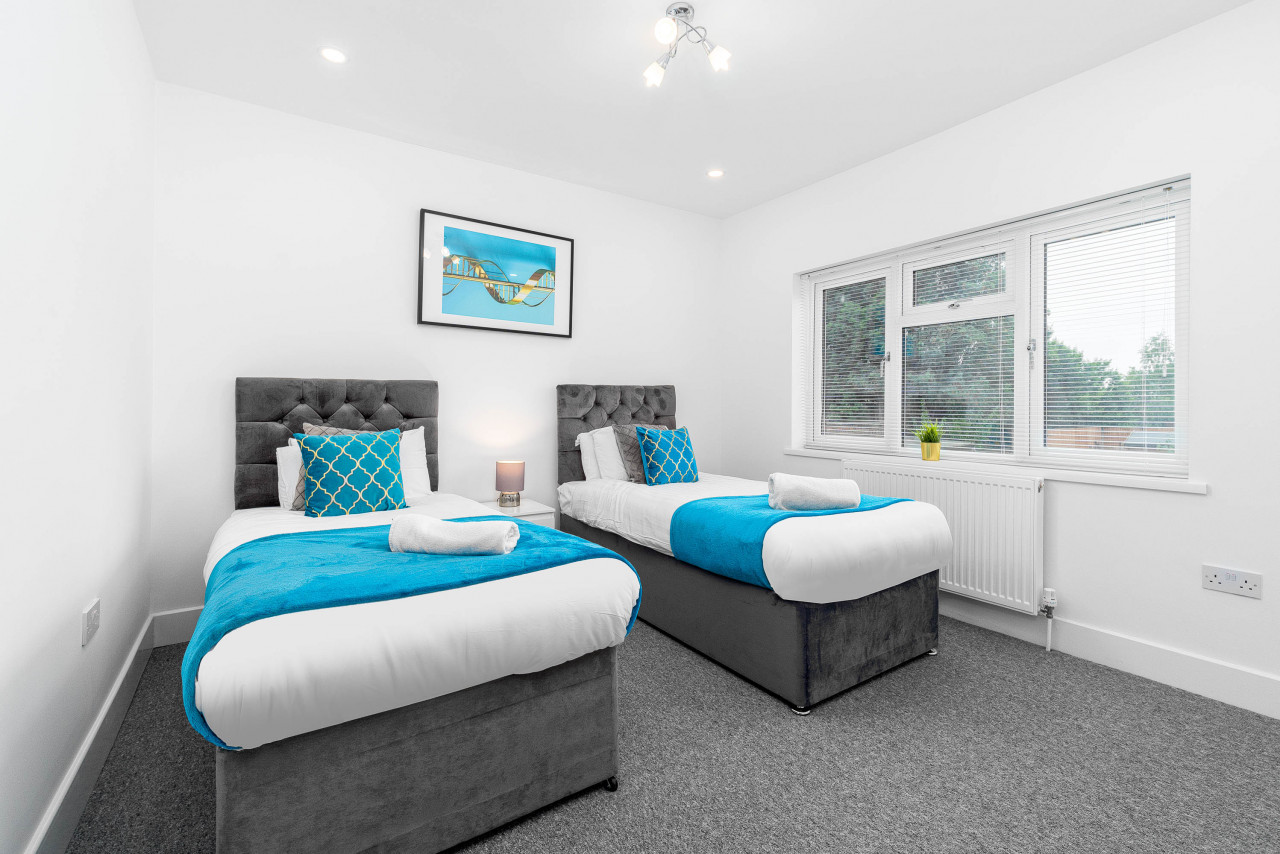
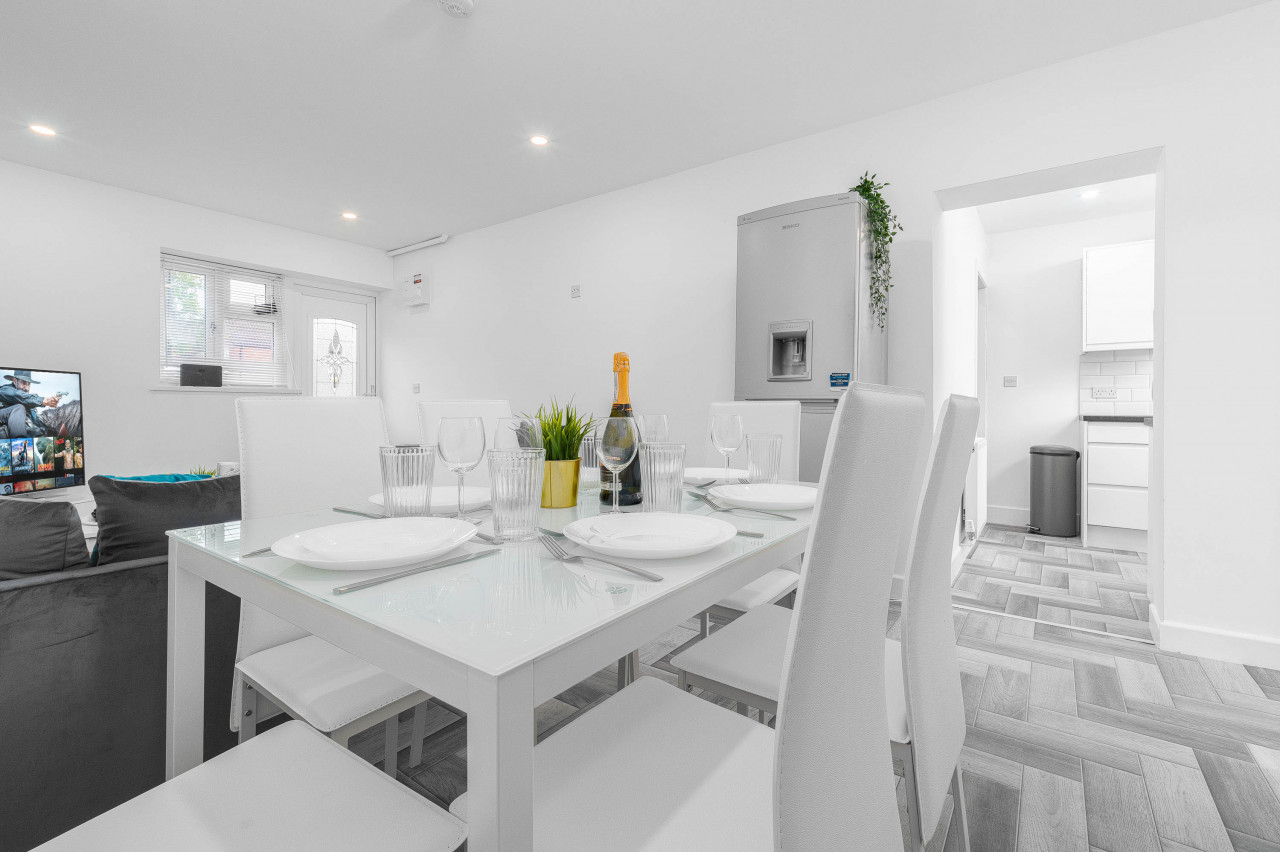
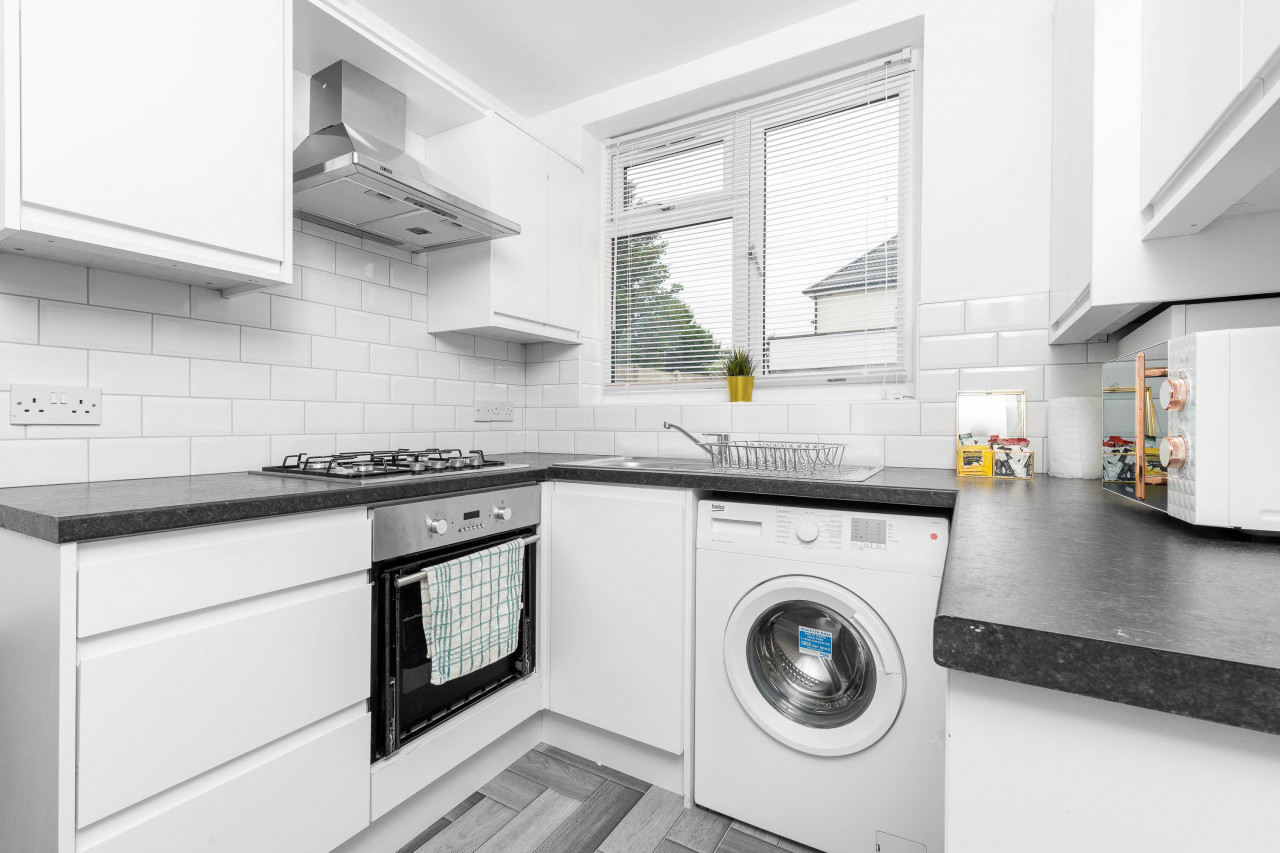
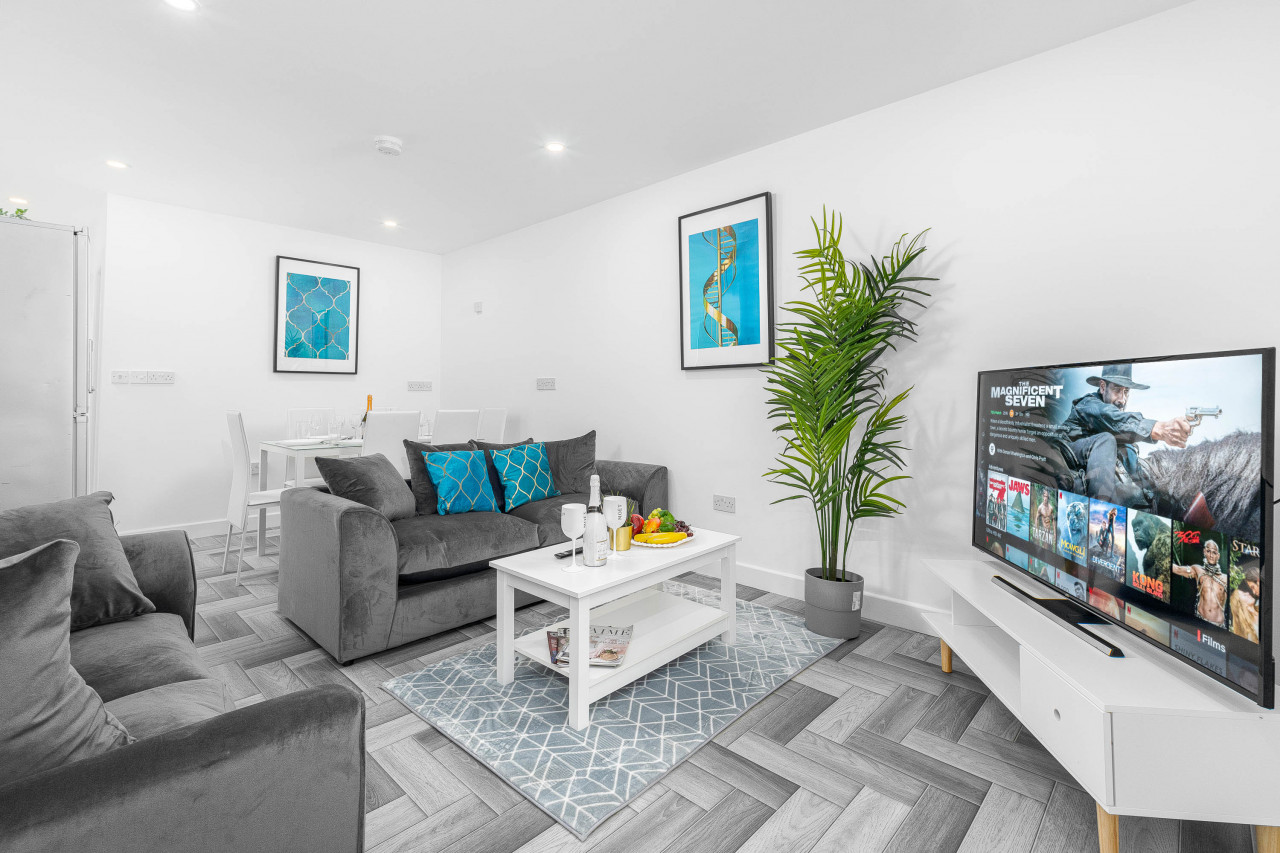
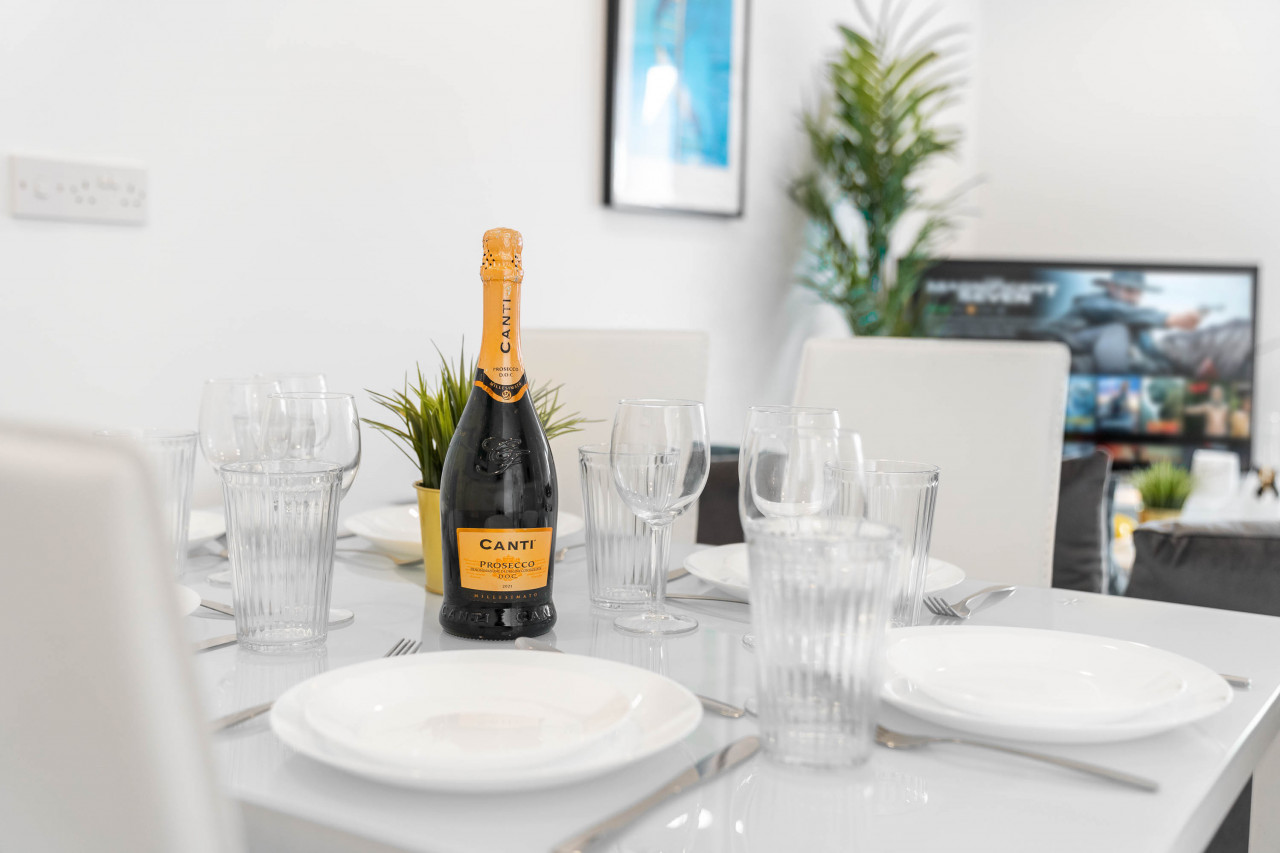
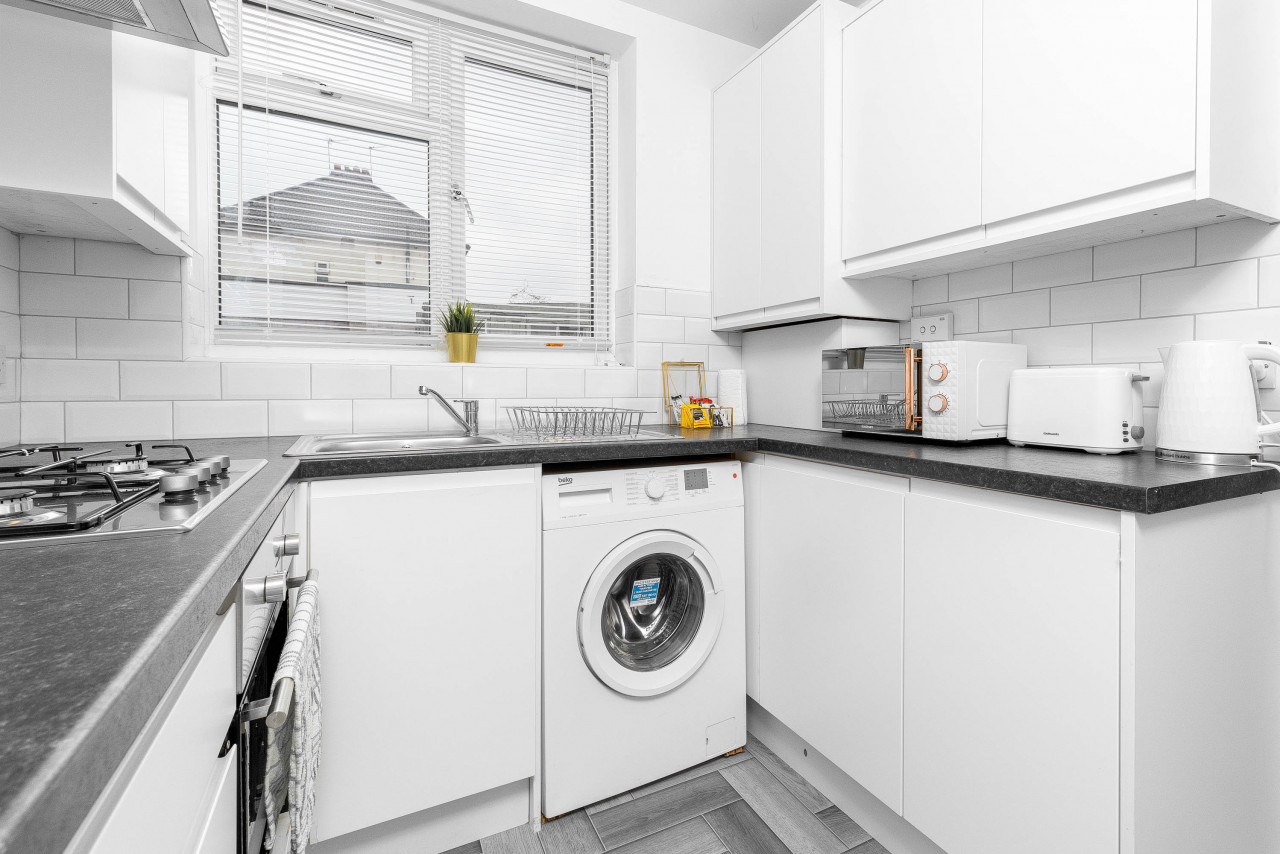
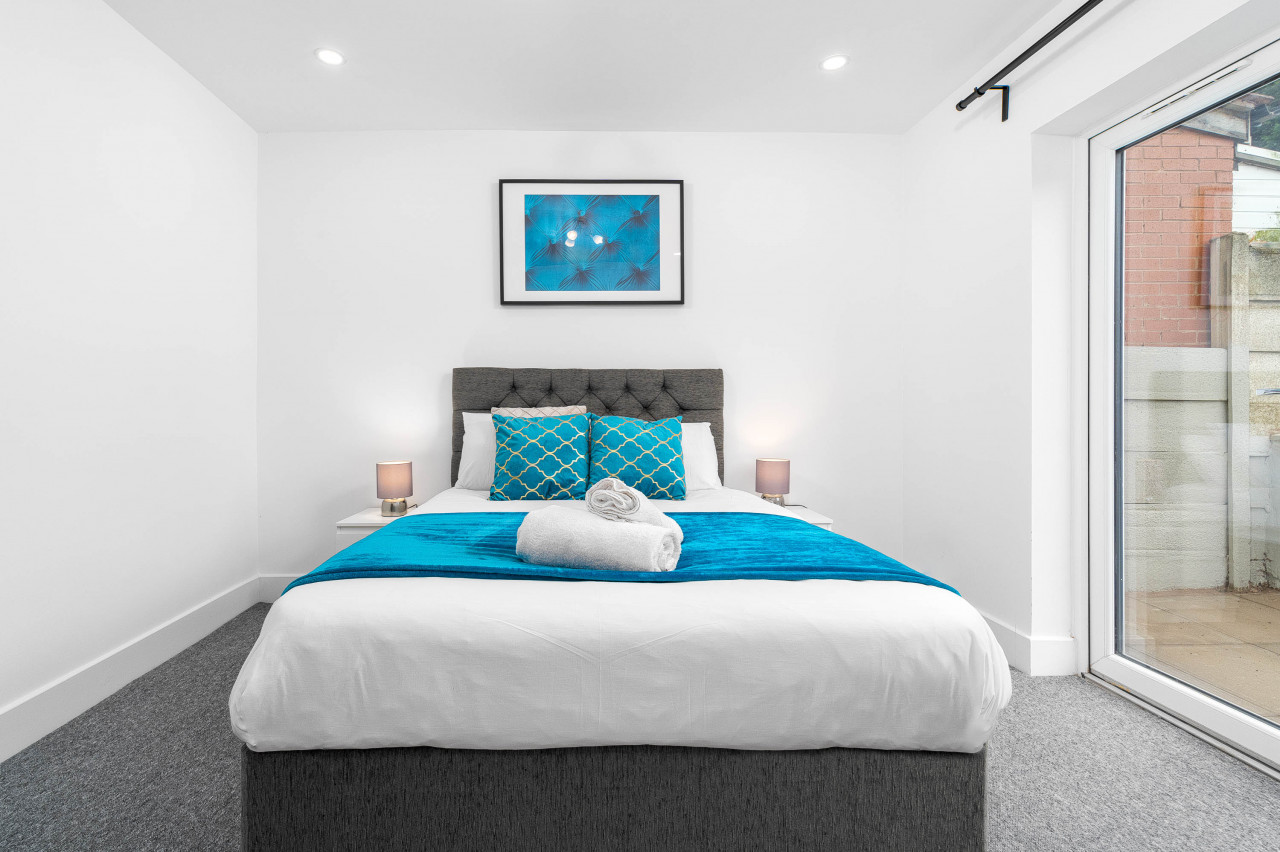
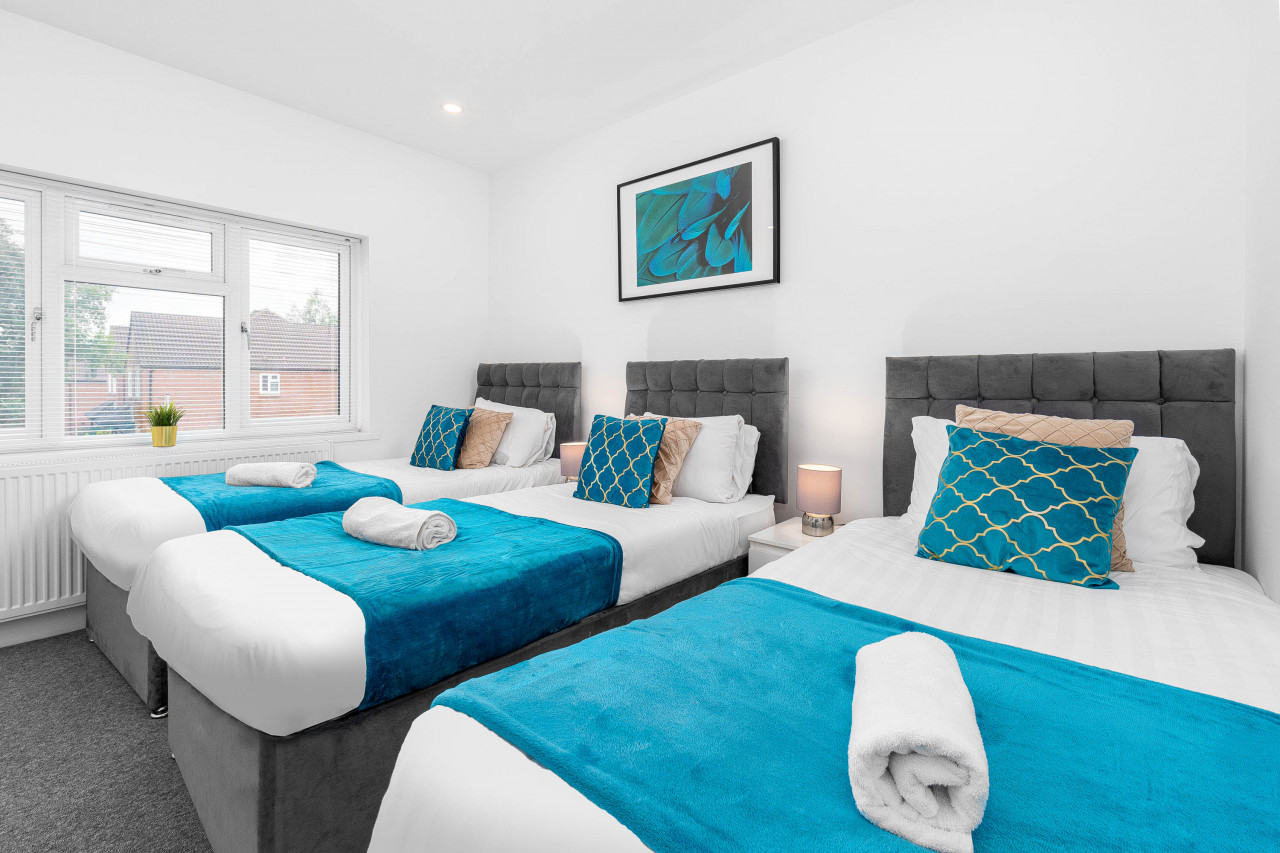
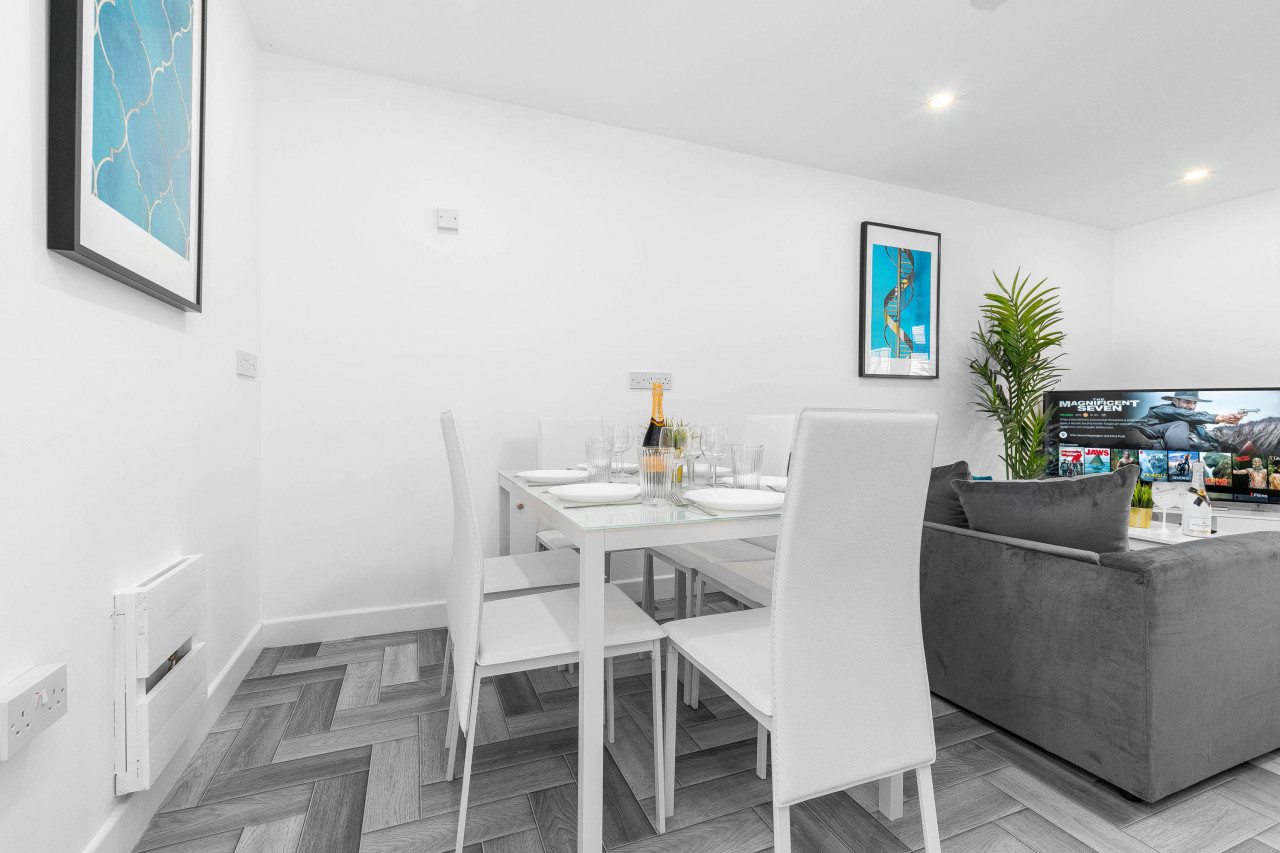
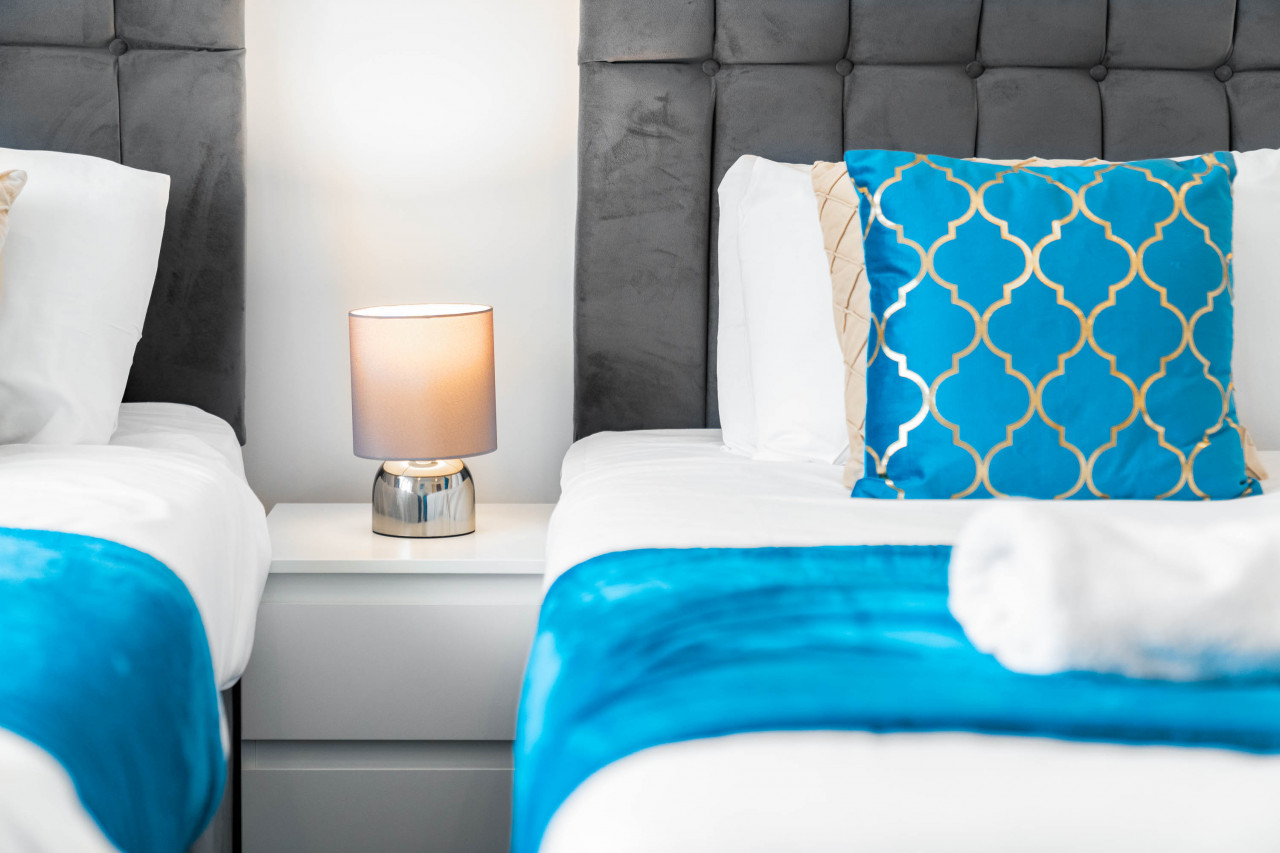
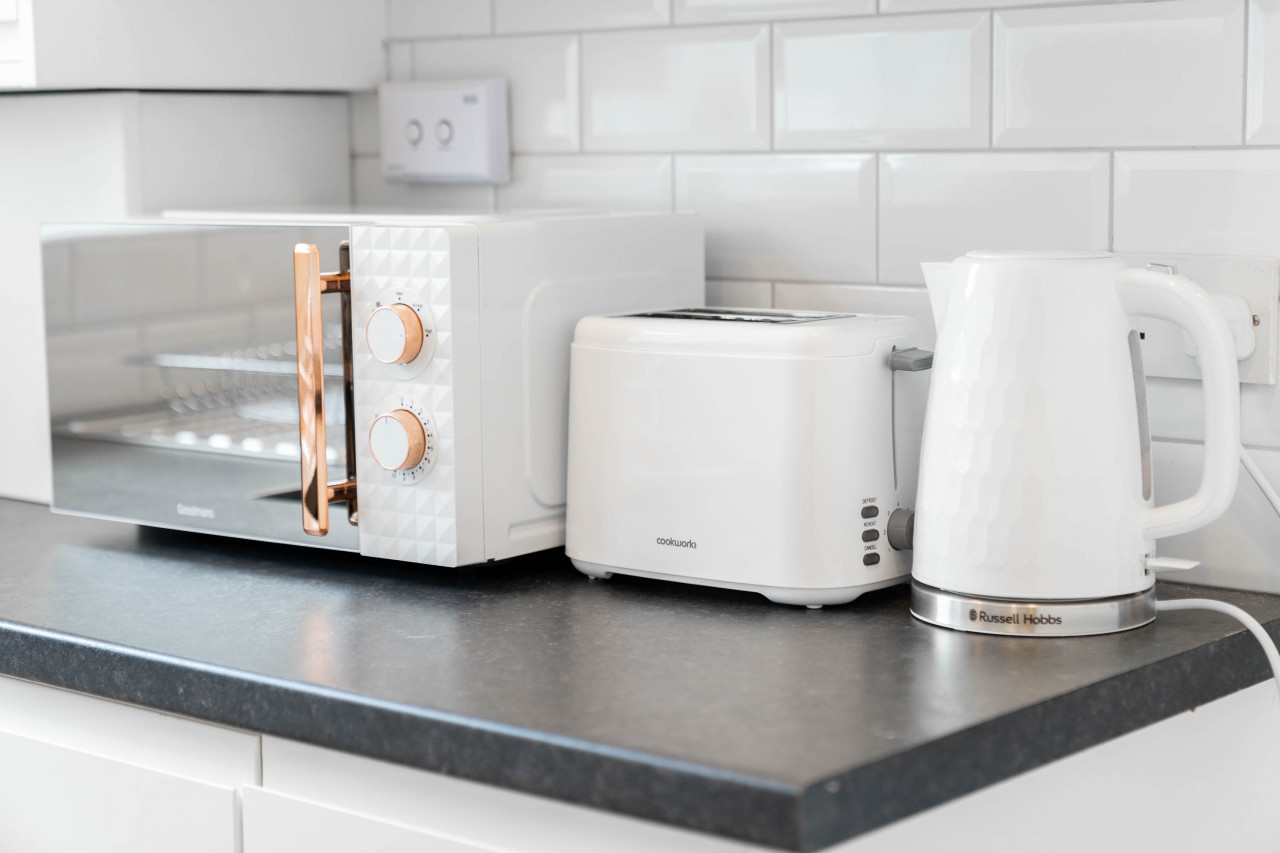
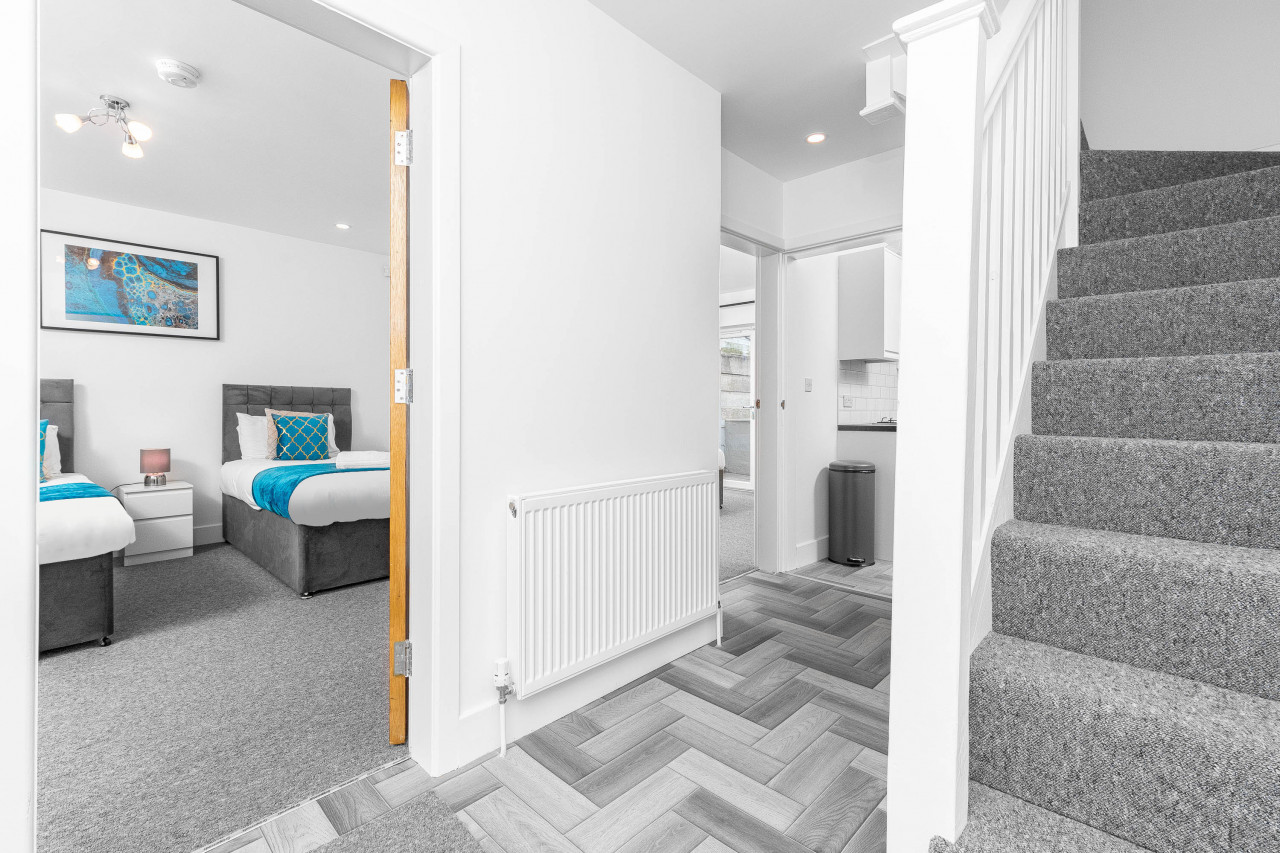
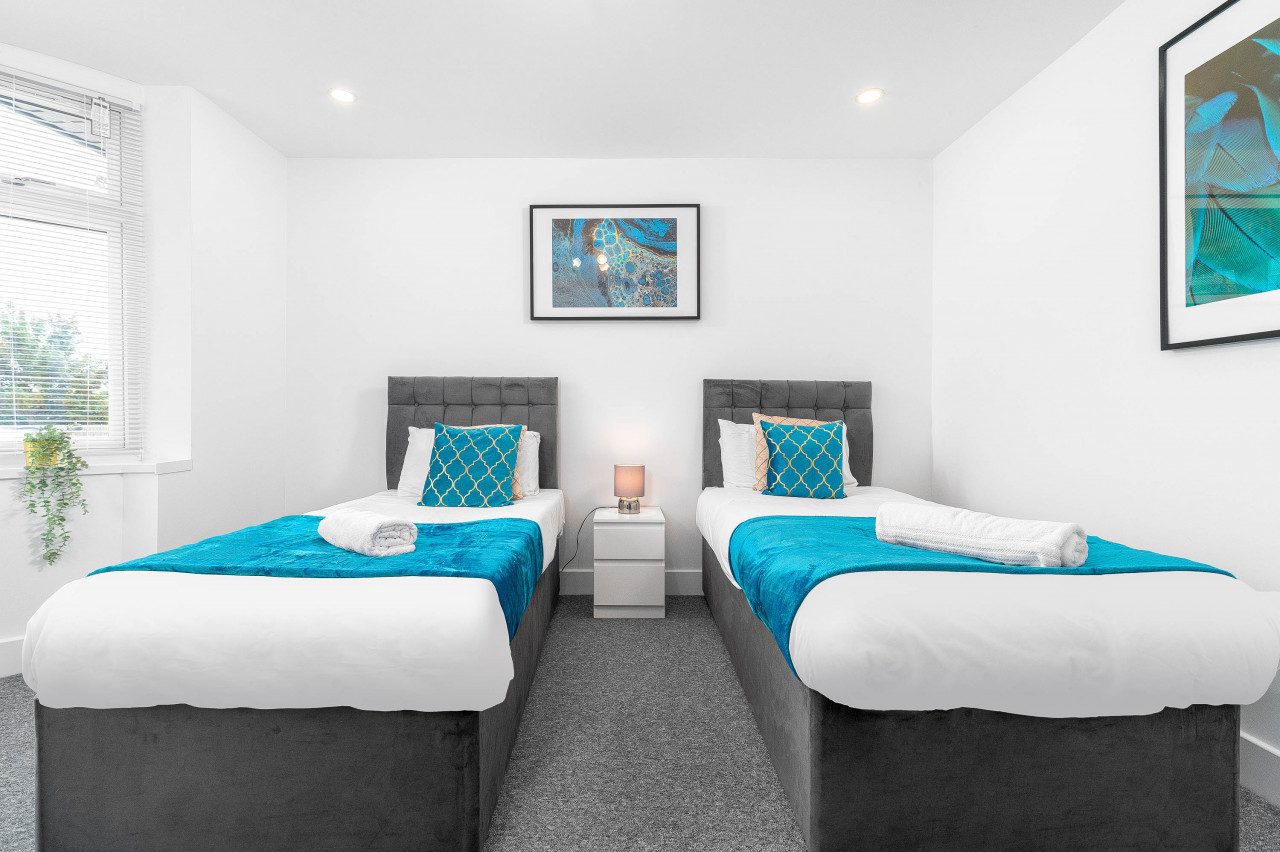
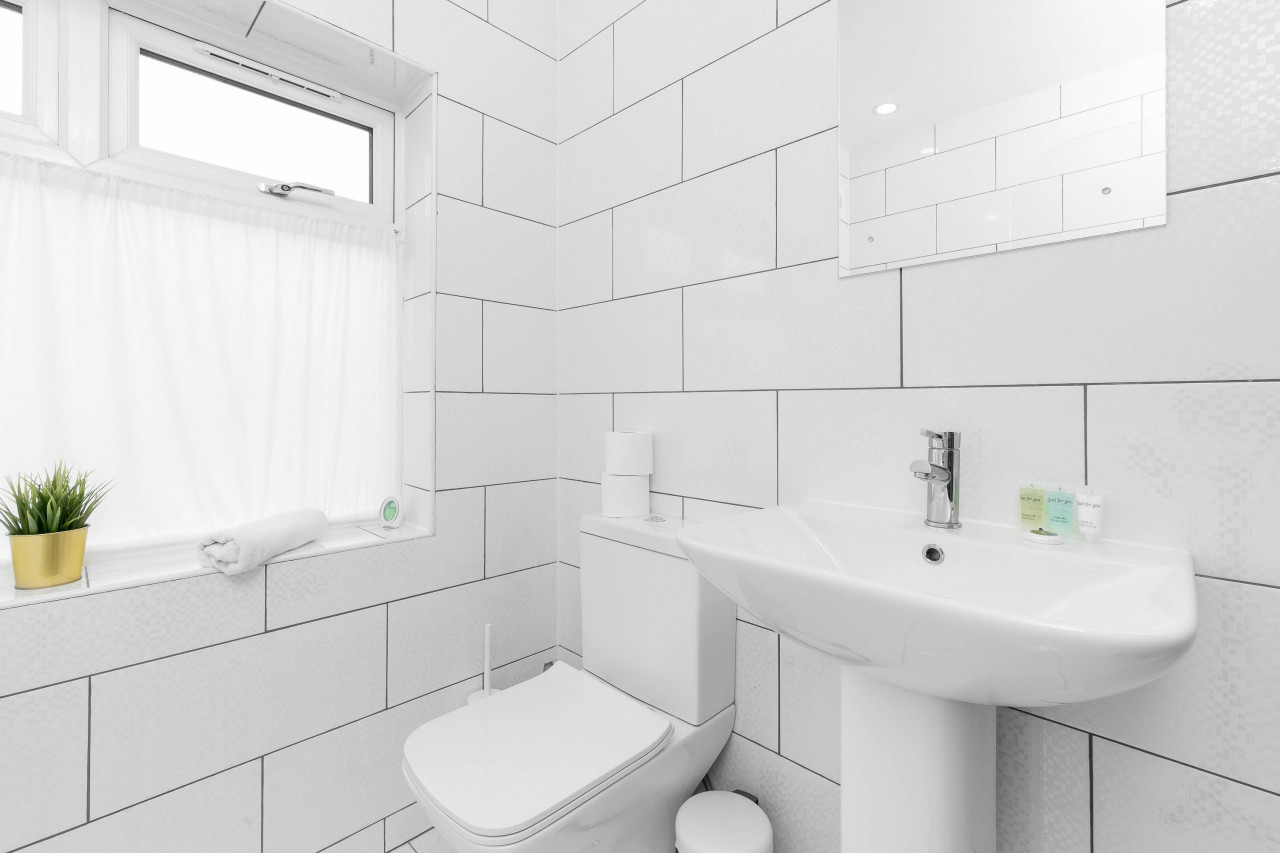
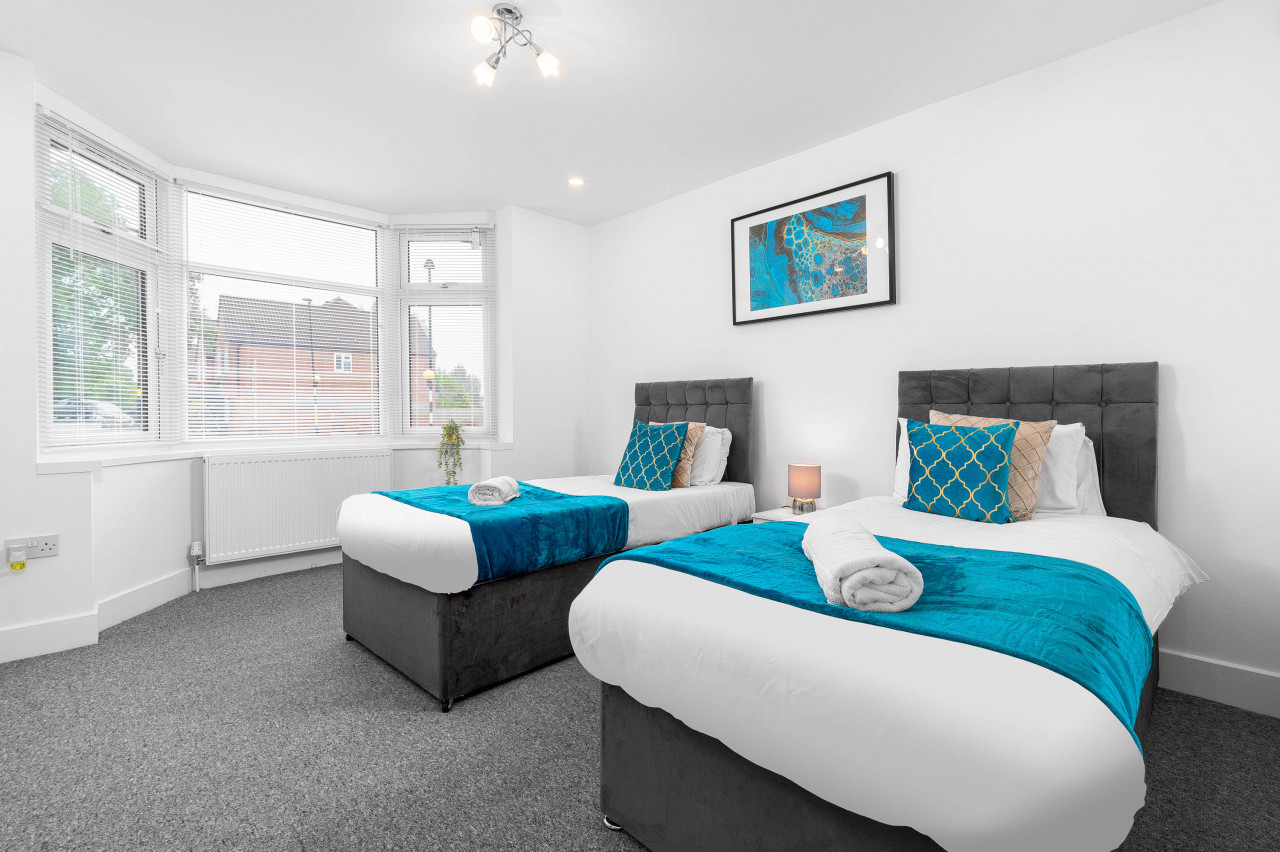
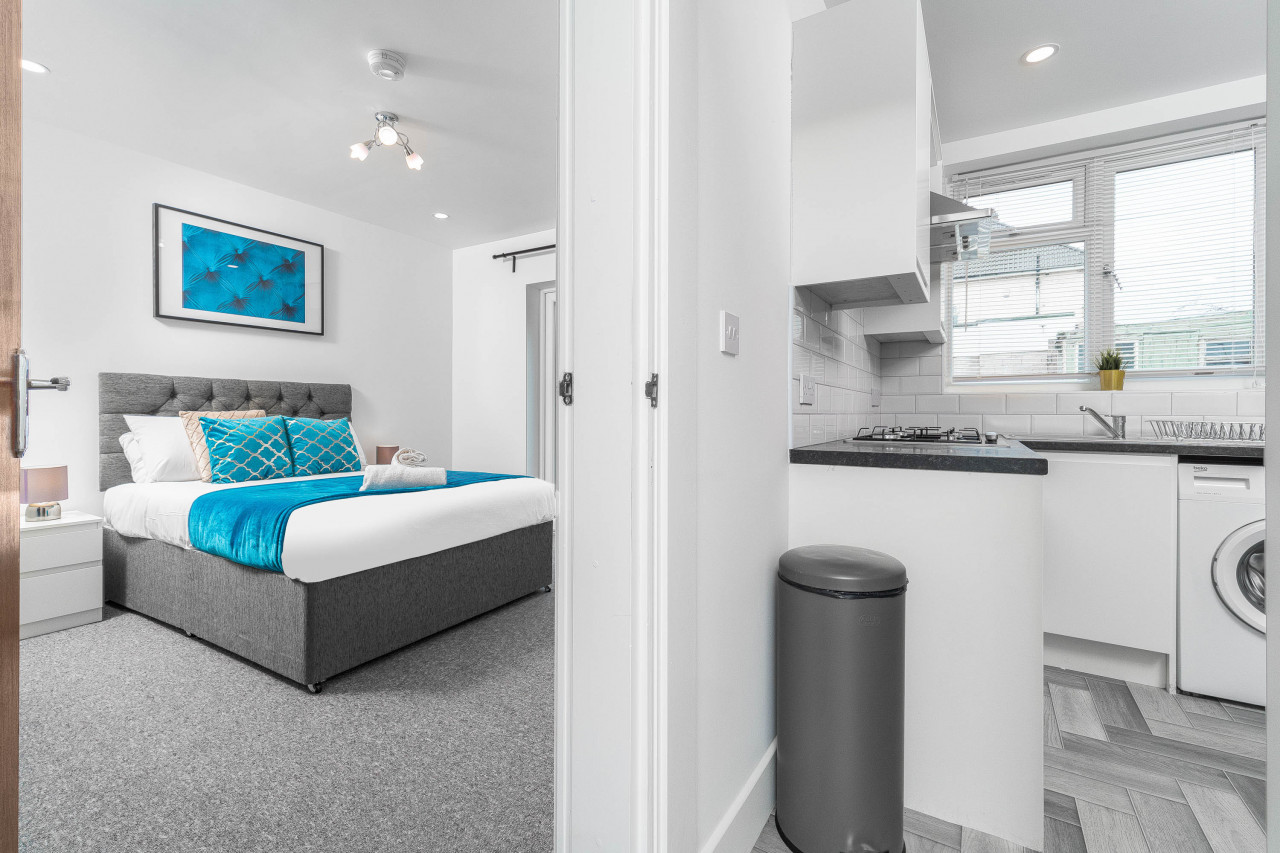
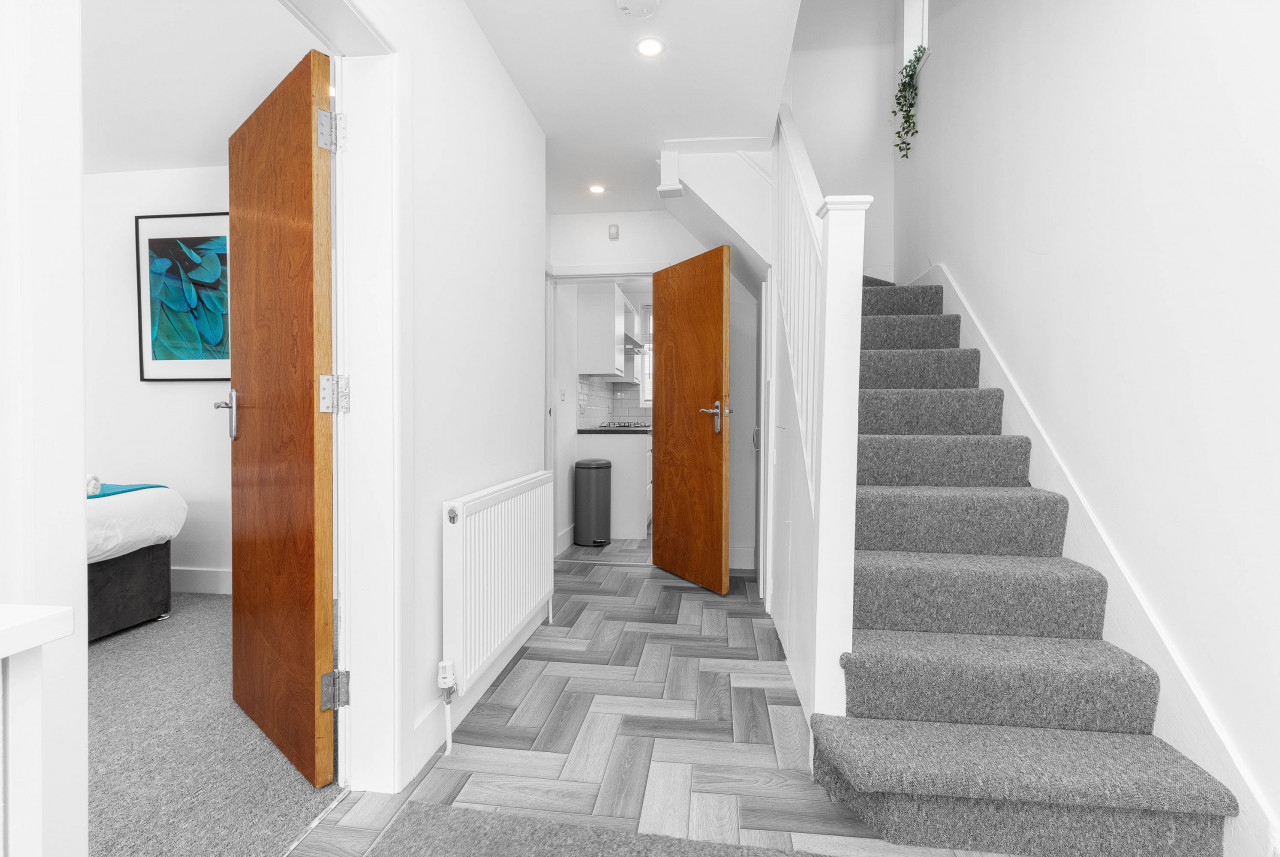
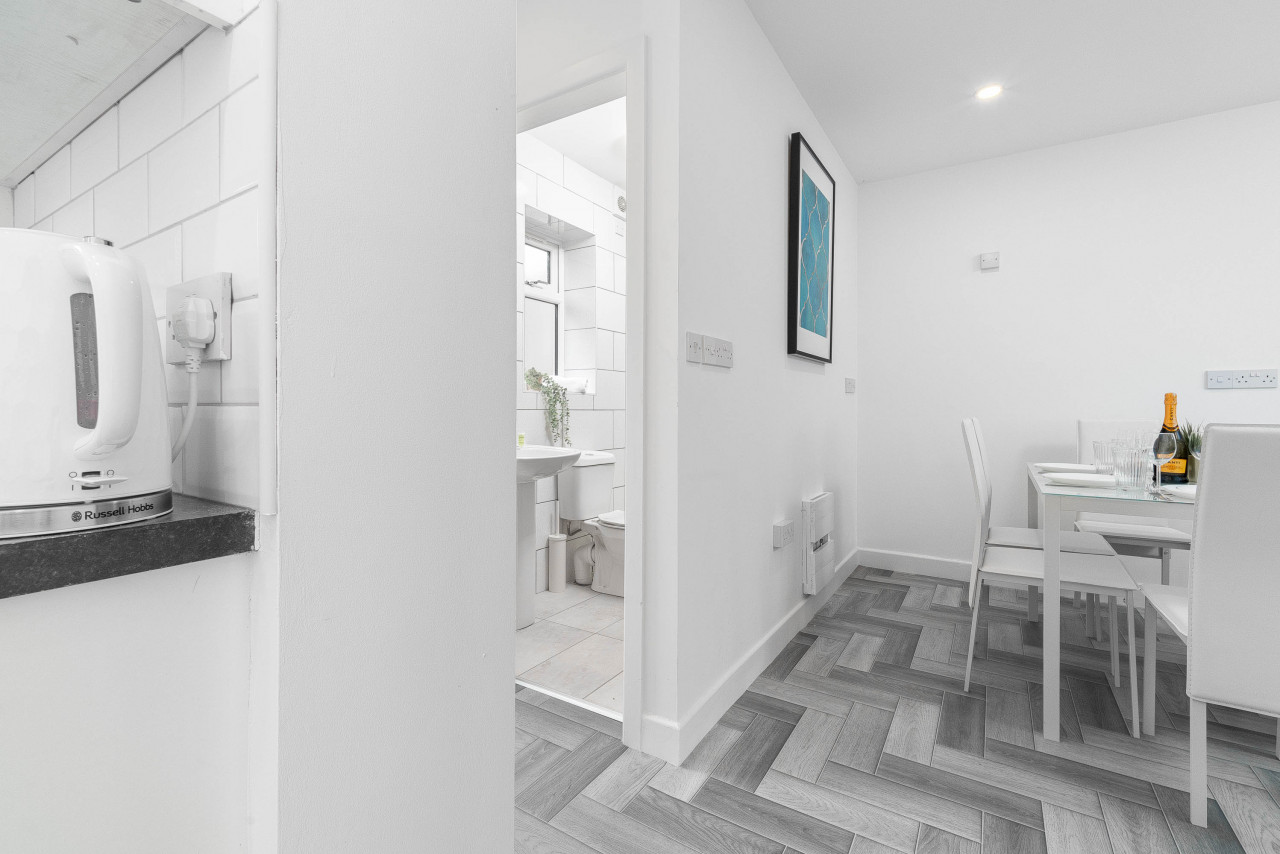
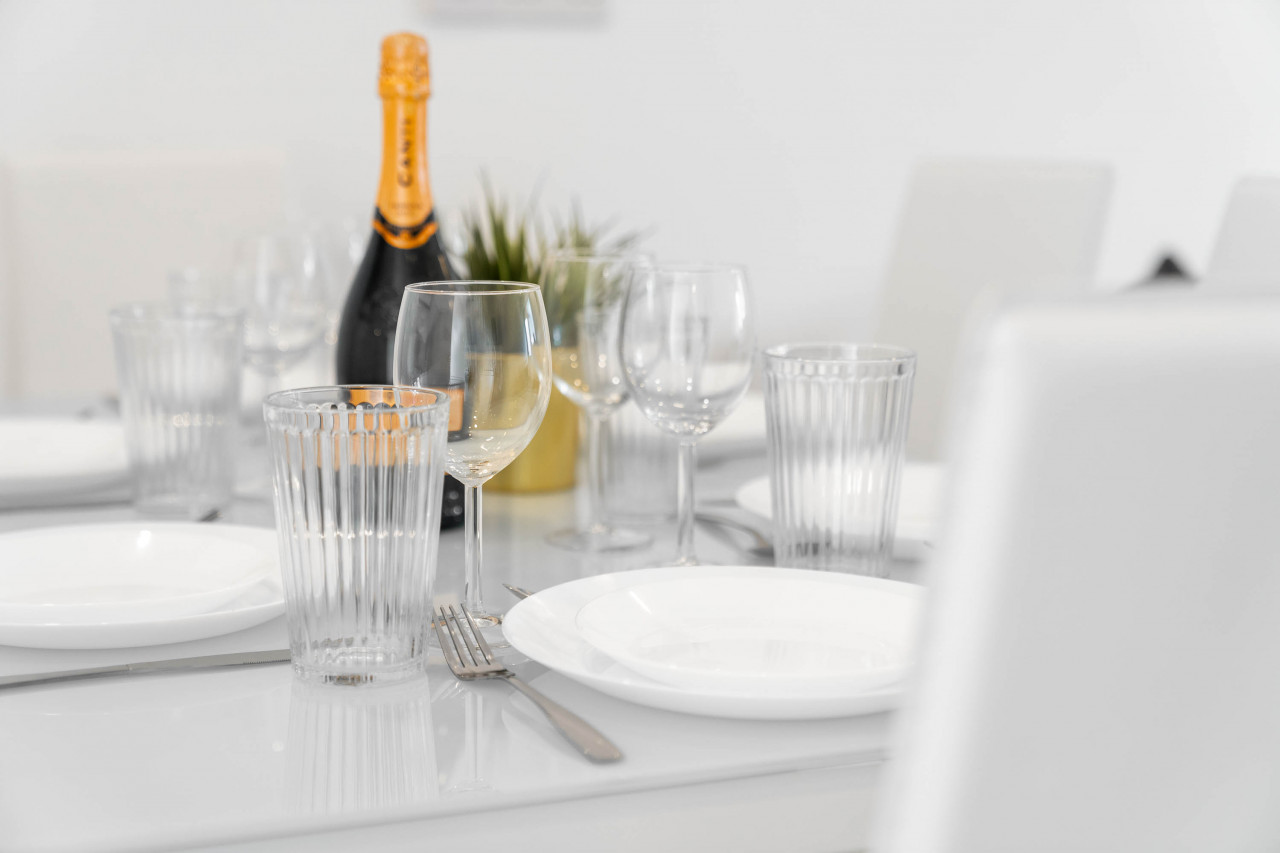
The property consists of 5 bedrooms, 2 bathrooms and offers guests a spacious living room and kitchen. The kitchen is fully equipped for cooking home-cooked meals, and has its own dining area.
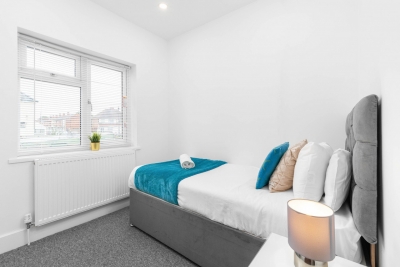
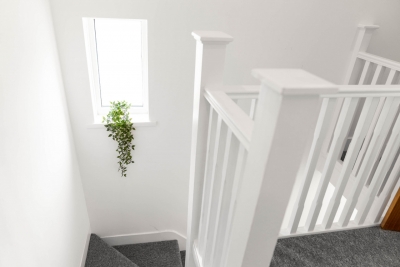
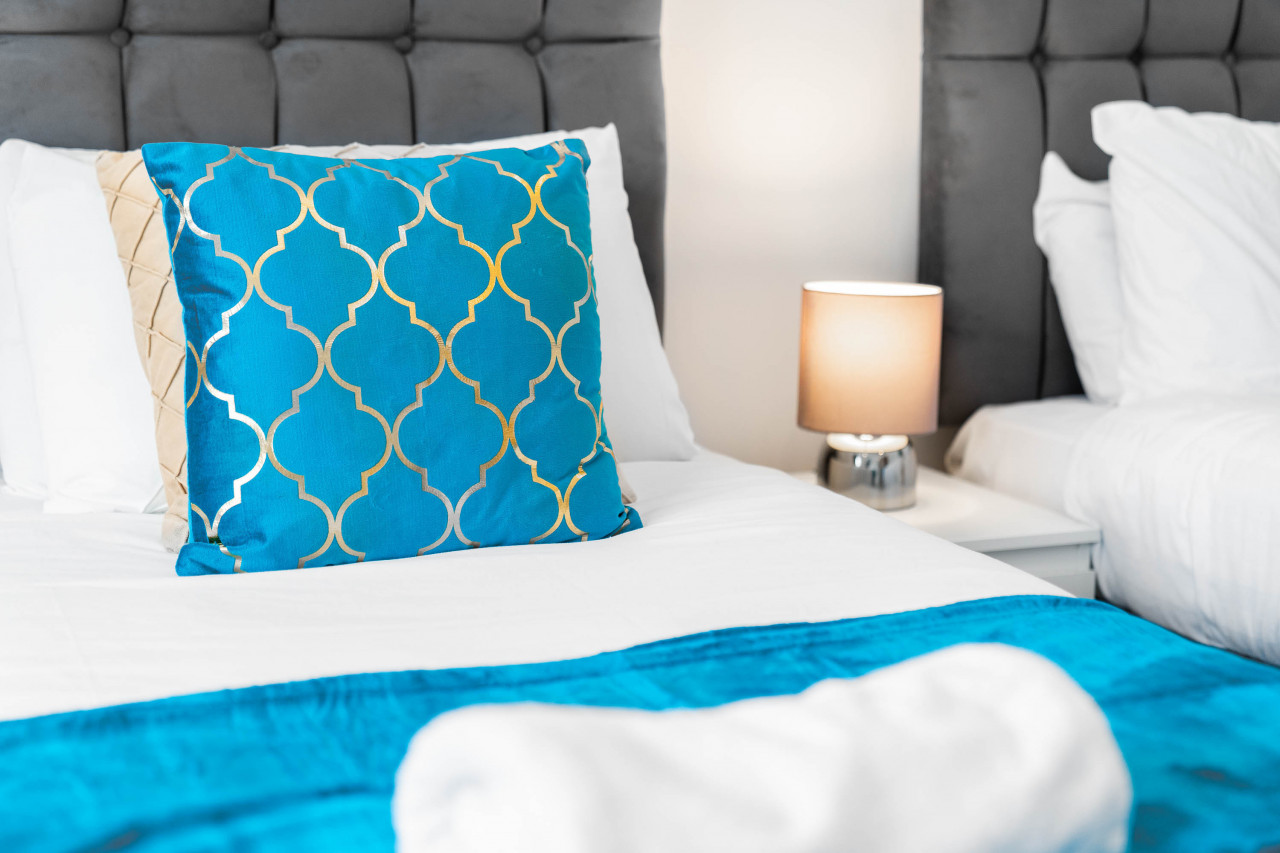
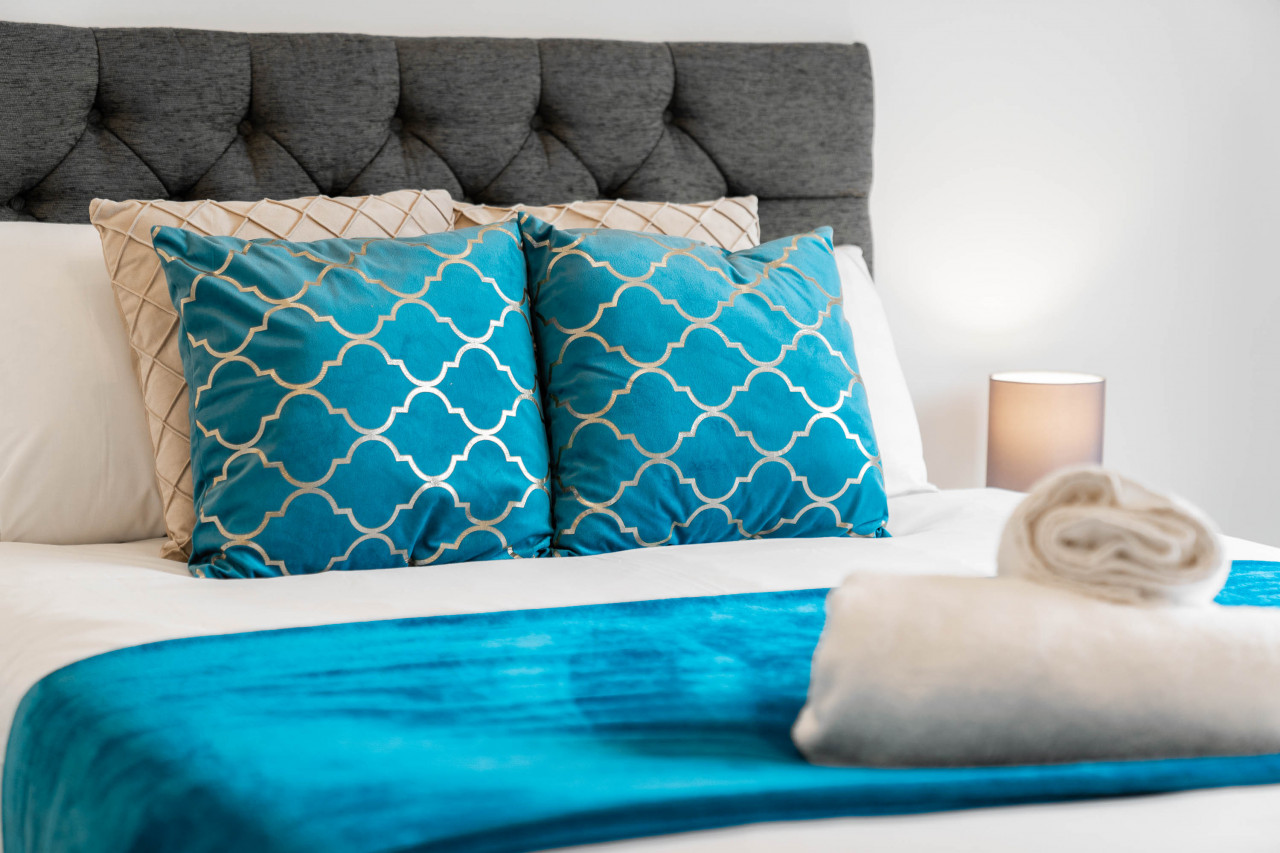
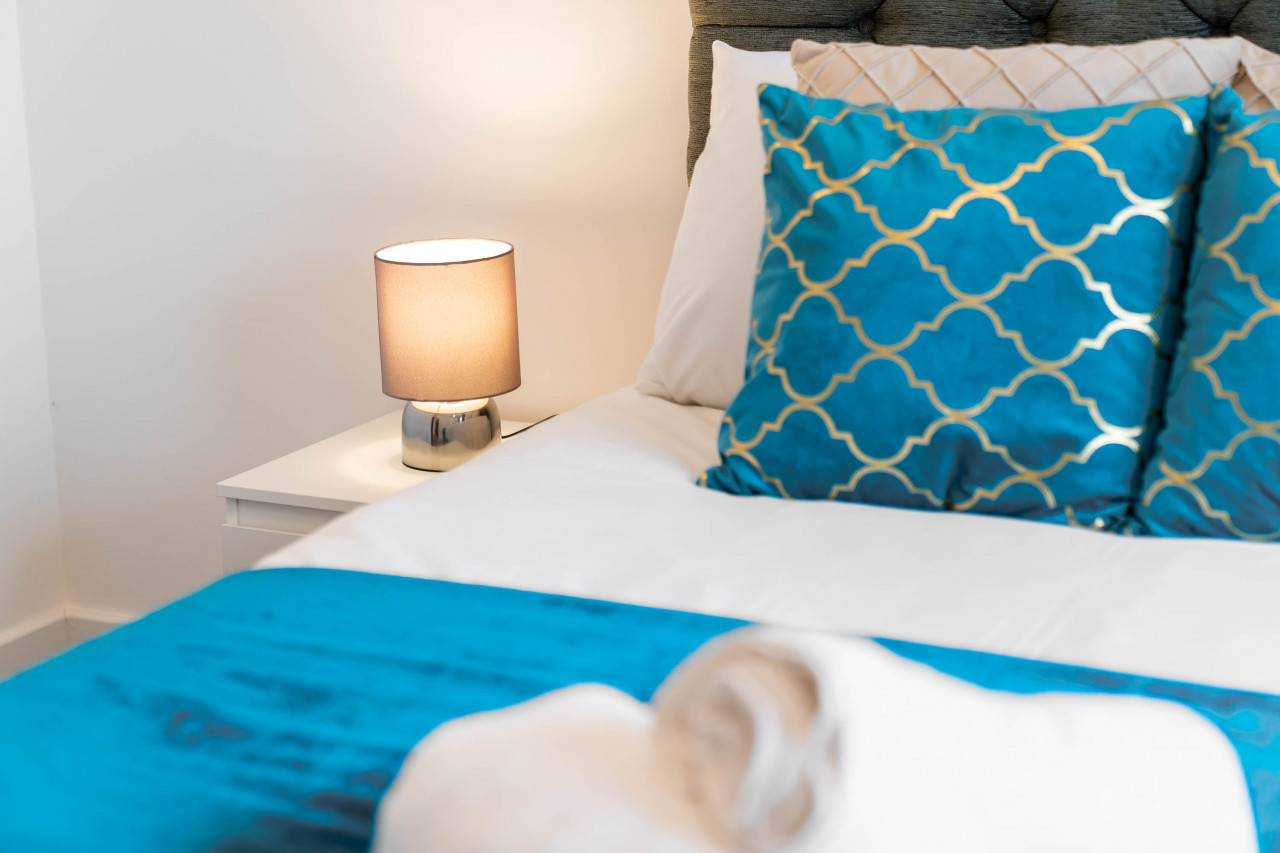
The property design is a combination of modern and functional, being intelligently designed for long and short stays. By staying here, you will enjoy home comfort, whilst being away from home.
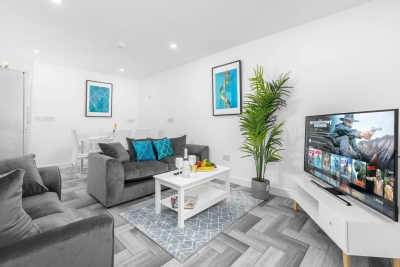
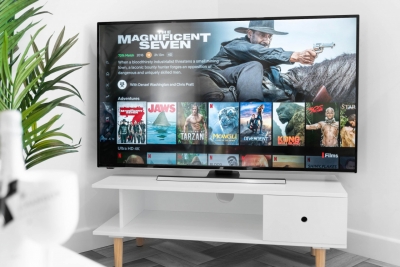
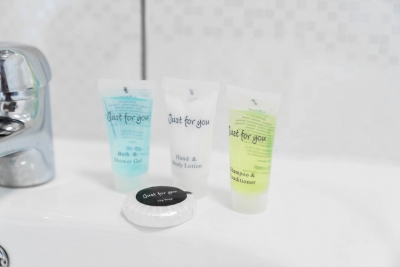
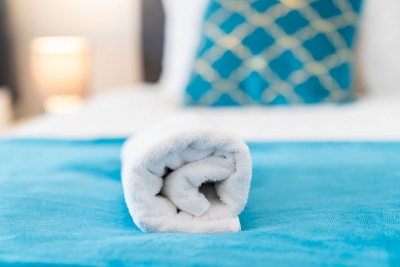
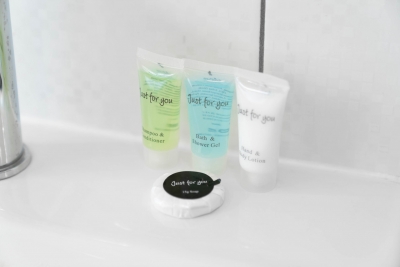
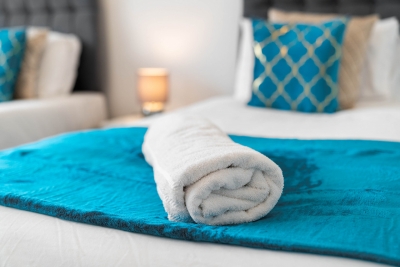
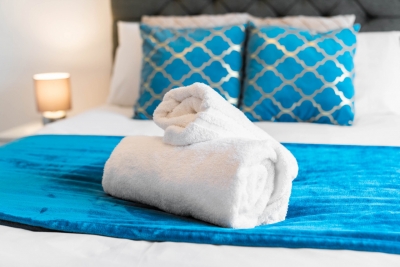
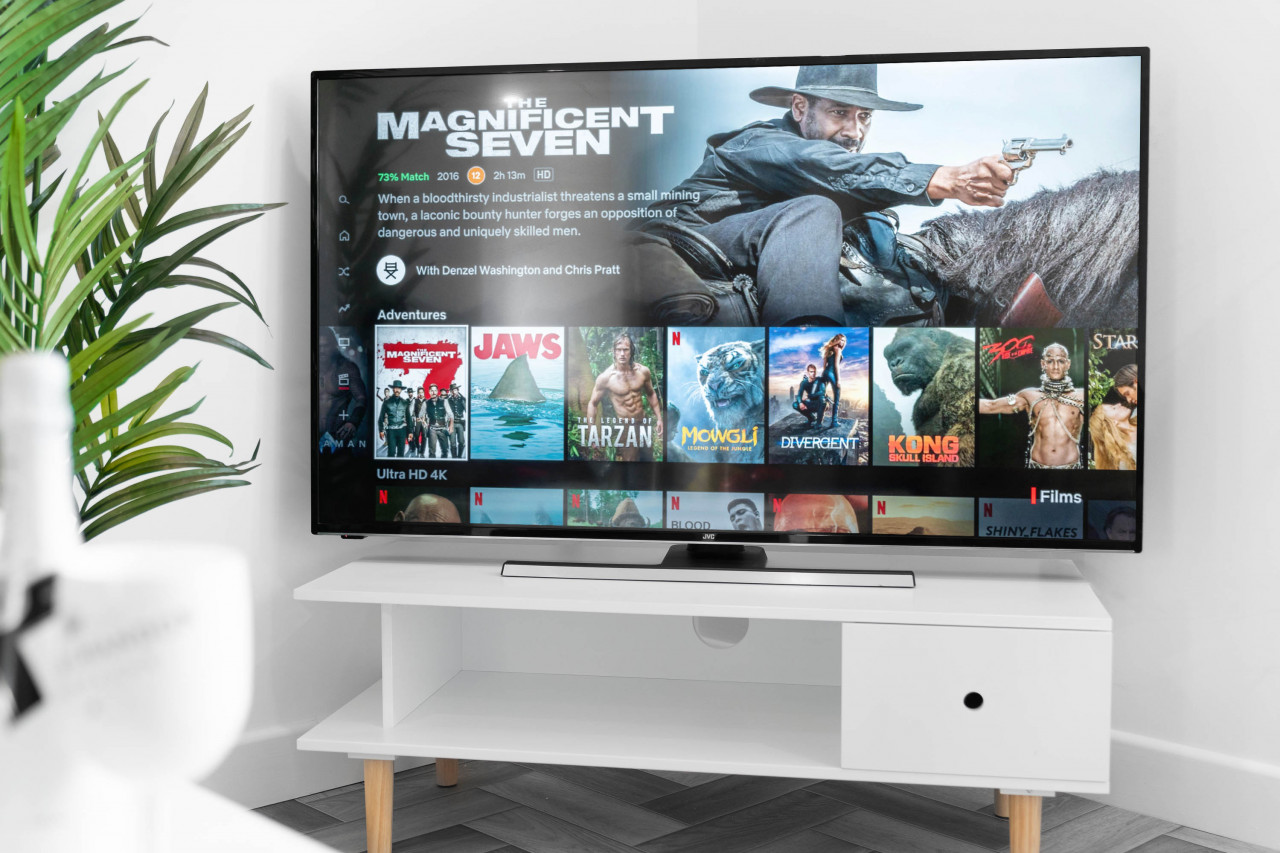
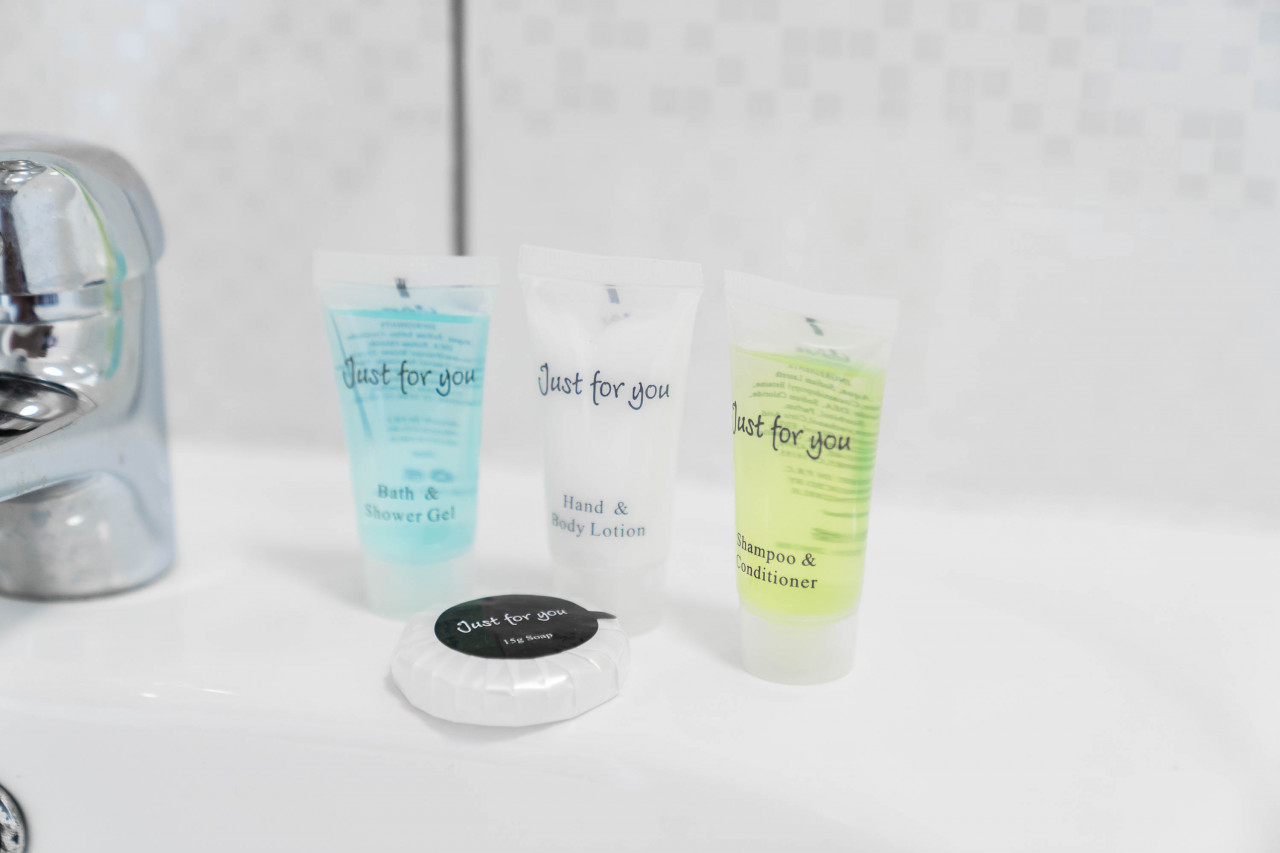
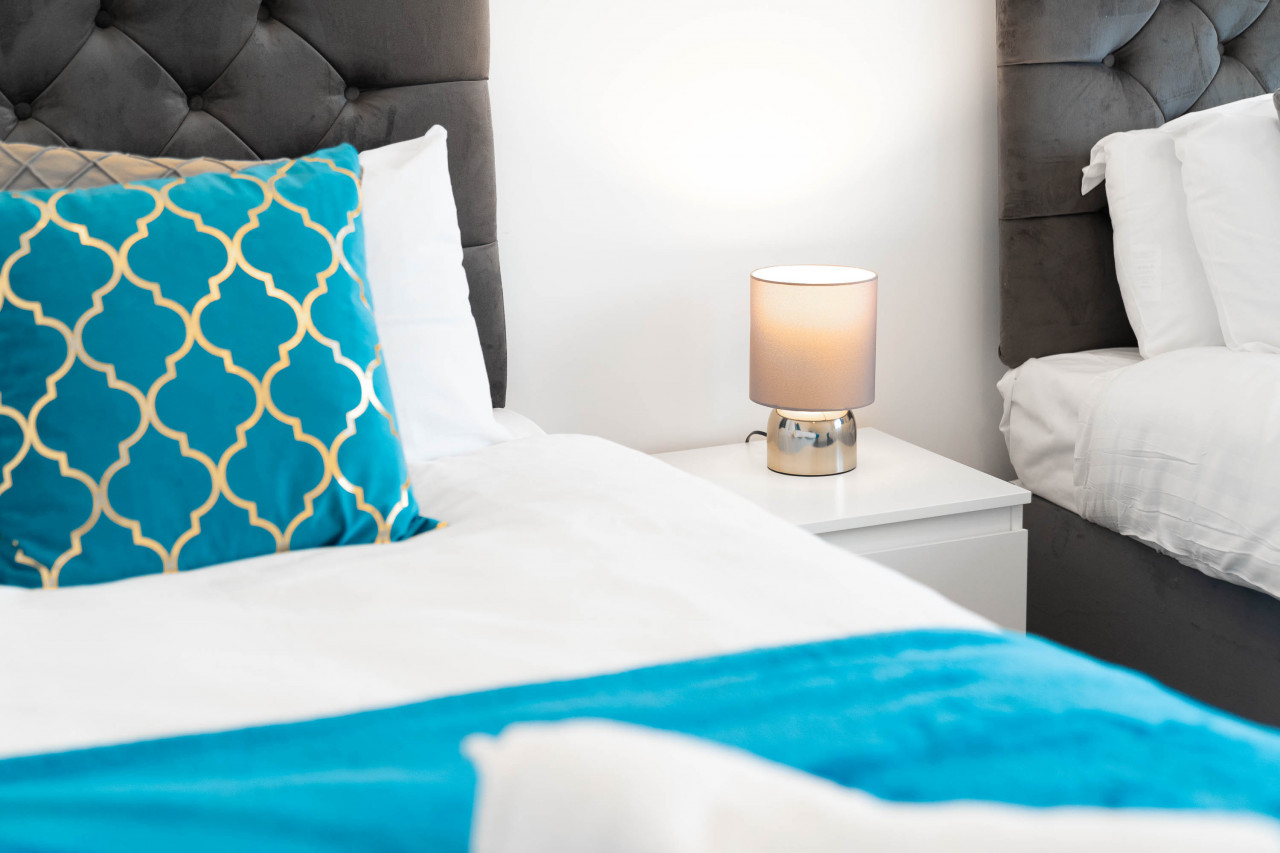
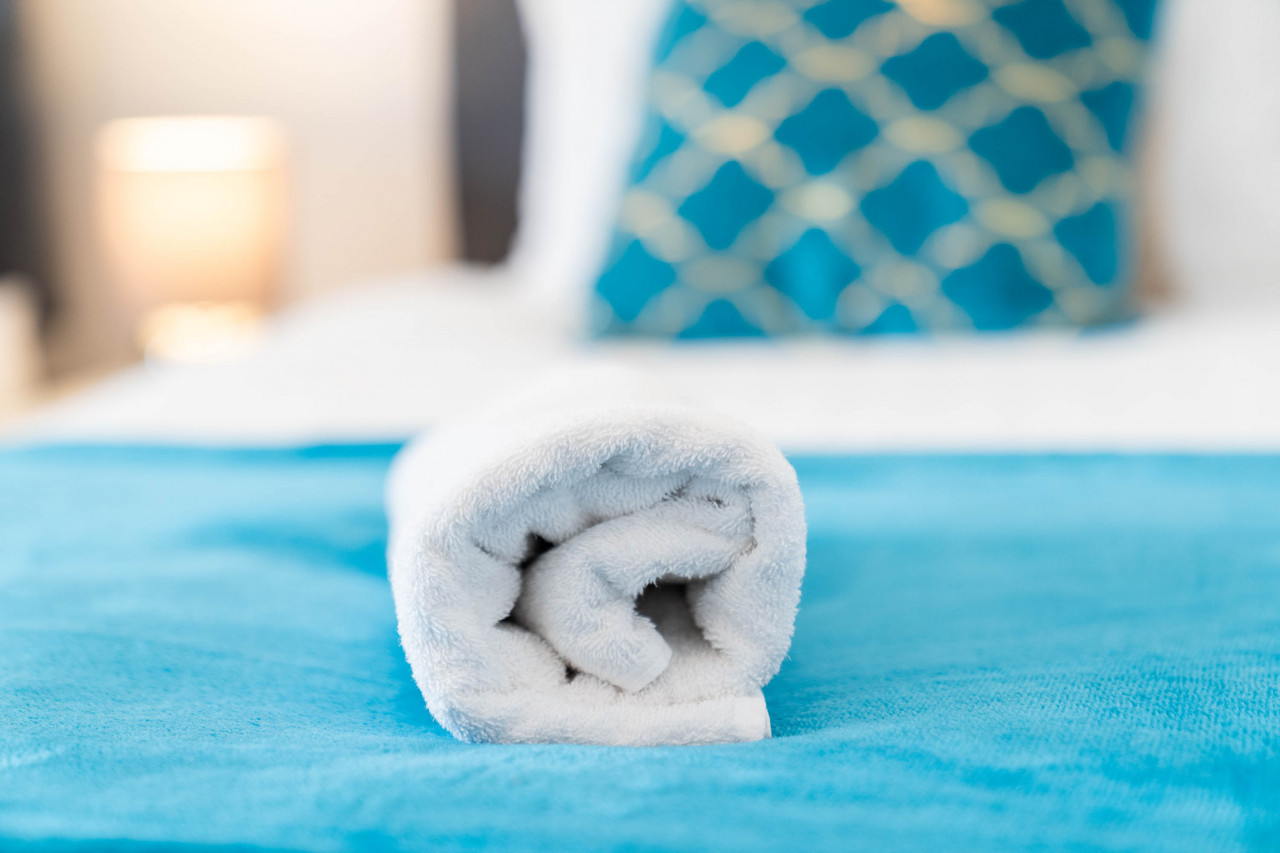
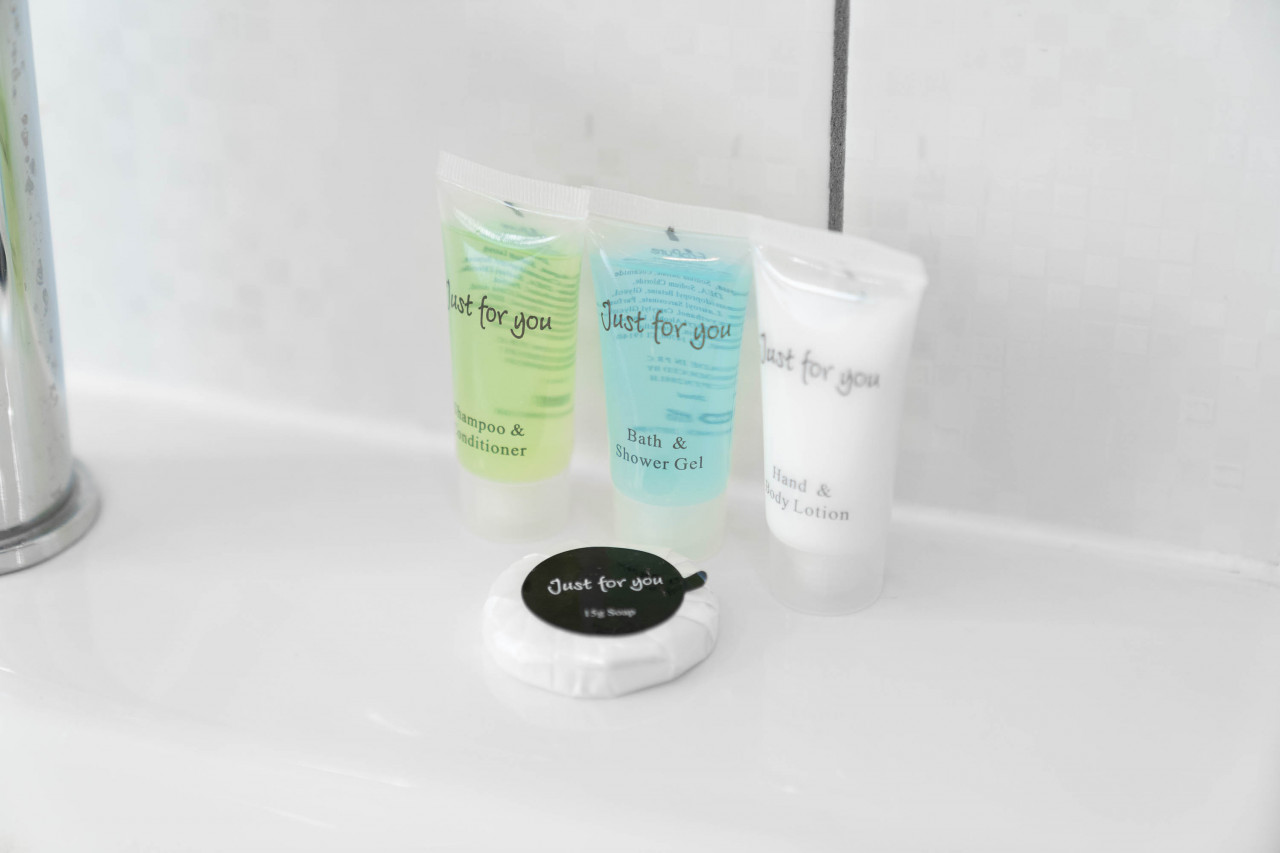
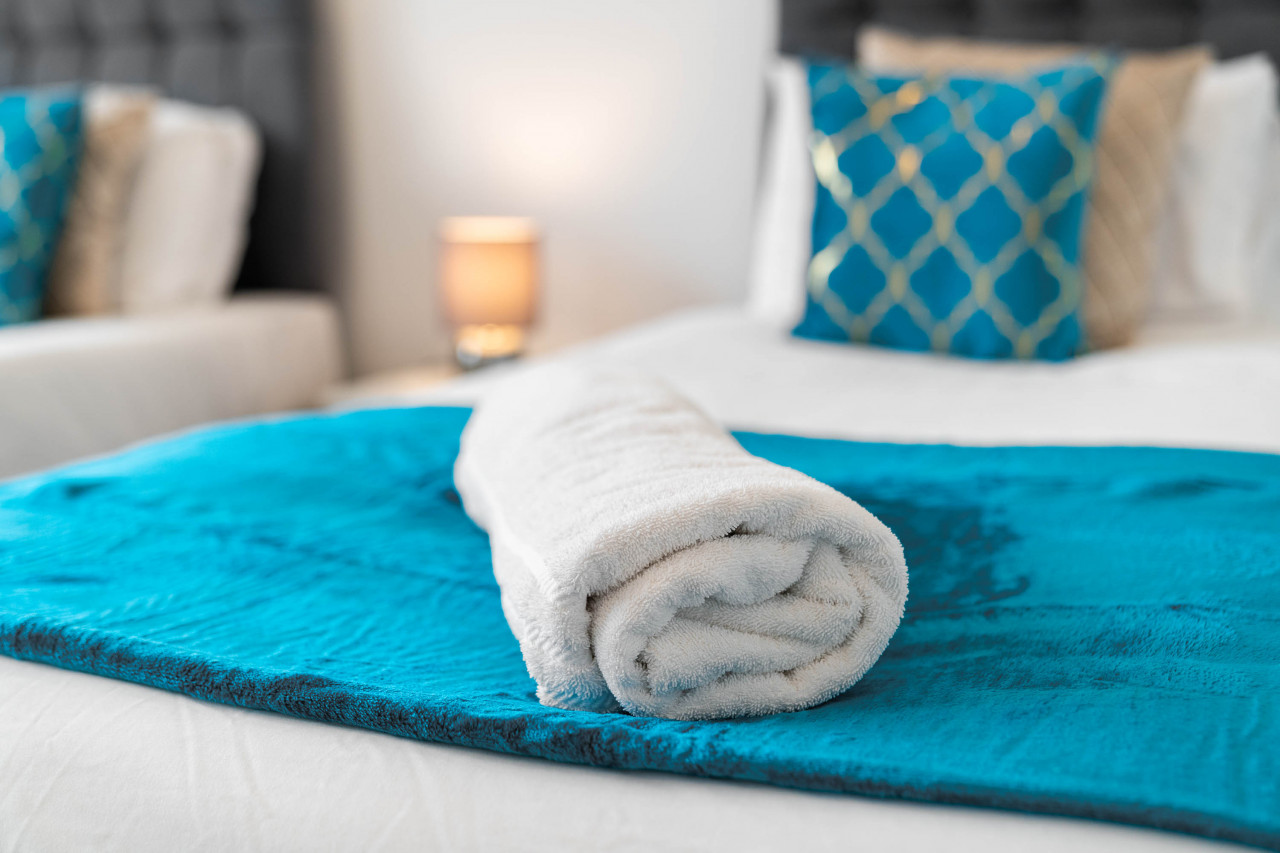
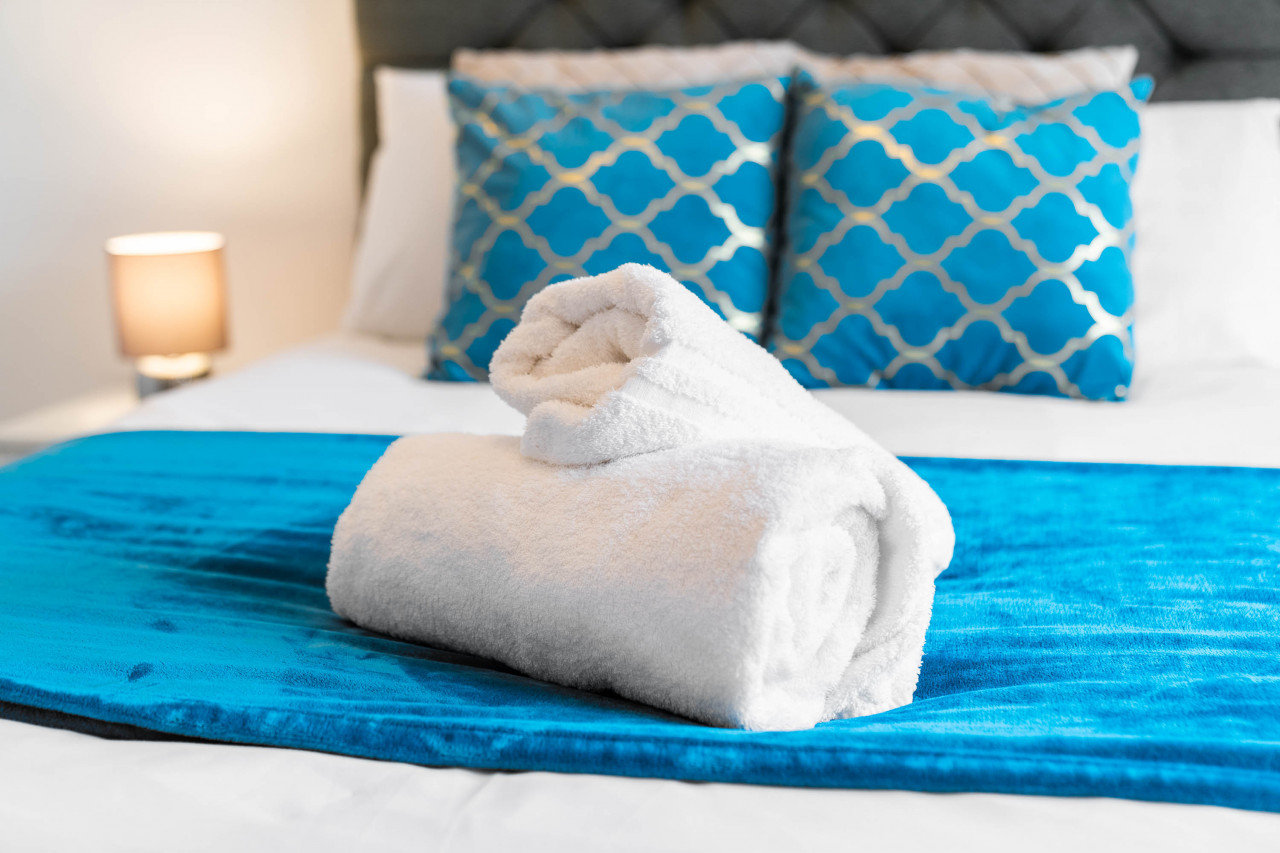
This property comes with Wifi, bed linen, towels, toiletries and Netflix for your comfort. The living room is geared with comfortable sofas and a 65” Smart TV, with free access to streaming services.
The property also comes with free parking.
Please note we charge £150 pet fee.
Nearby
Most appreciated amenities
 Wireless Internet
 Heating
 Free parking
All amenities
- Wireless Internet
- Towels Provided
- Heating
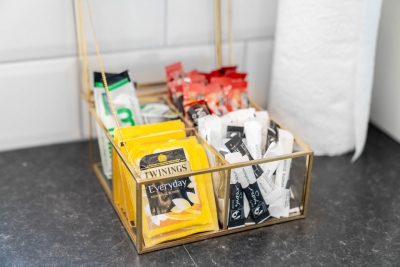
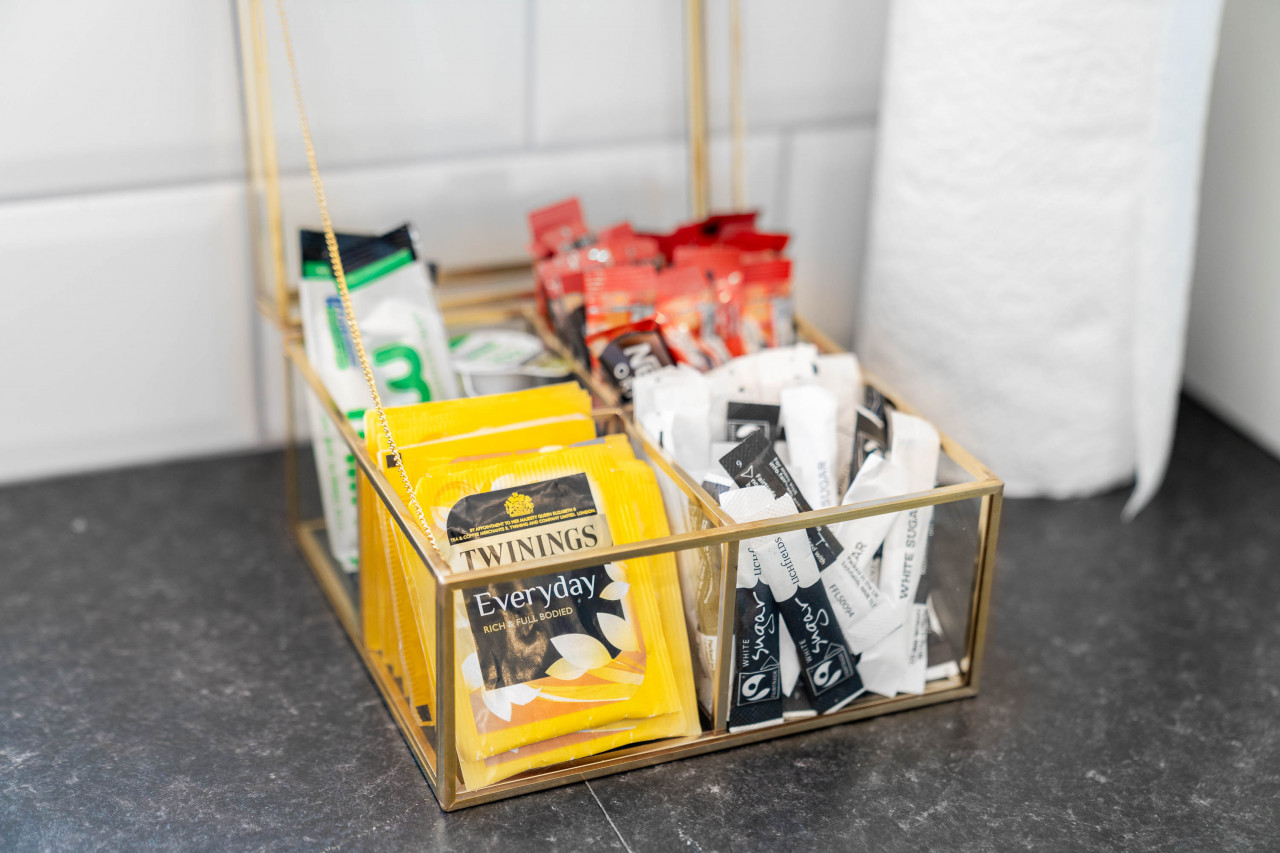
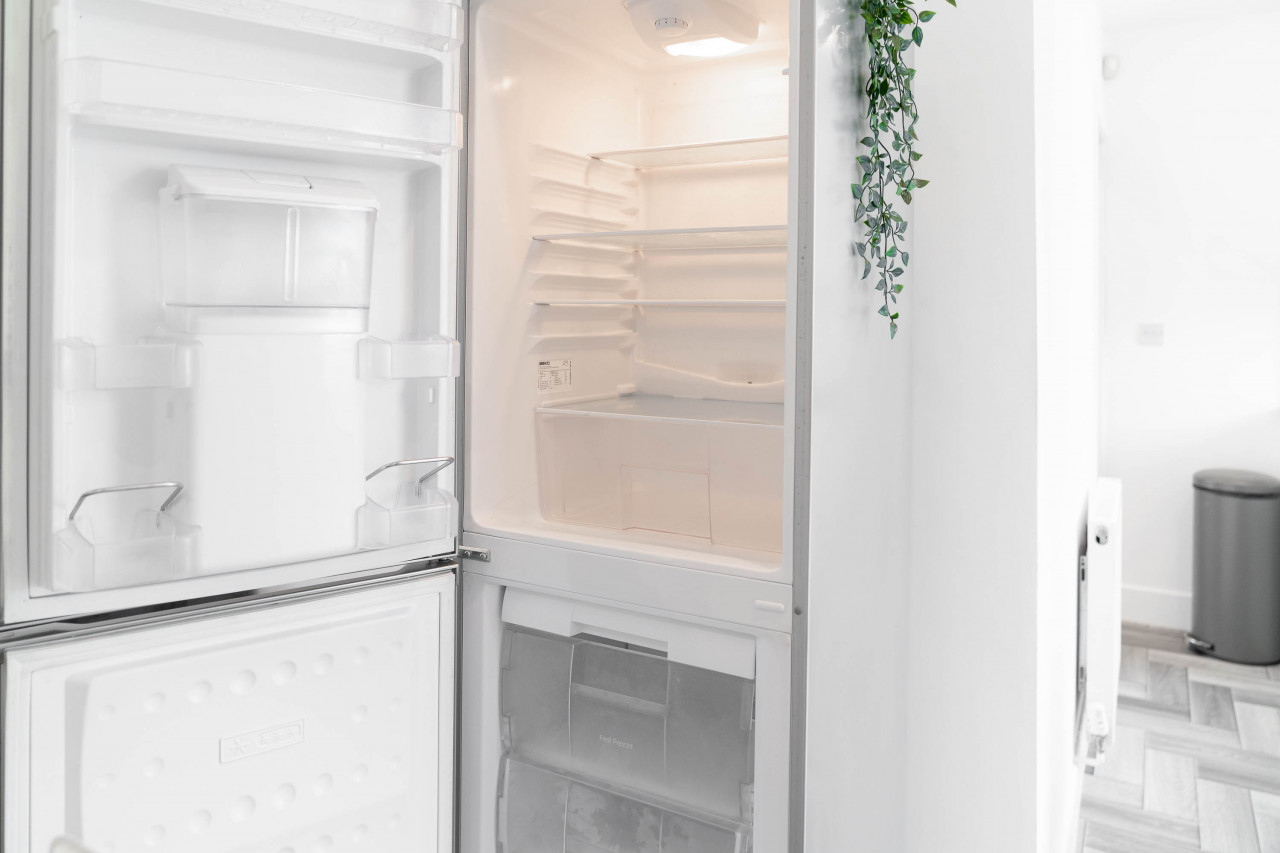
- Fully Fitted Kitchen
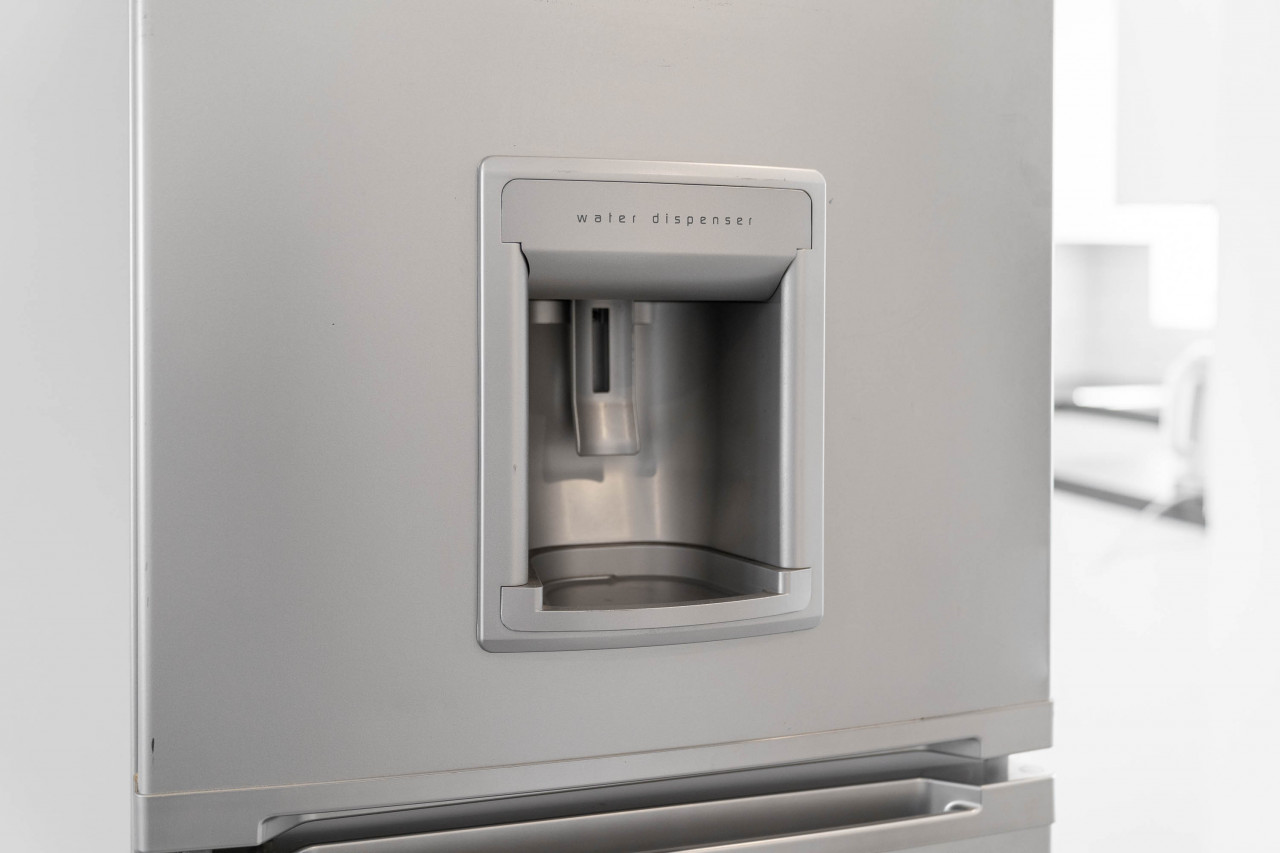
- Refrigerator
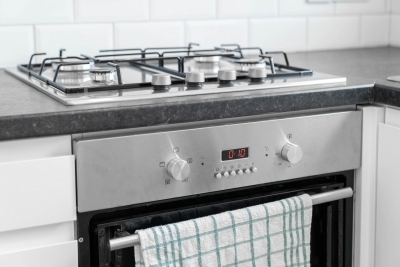
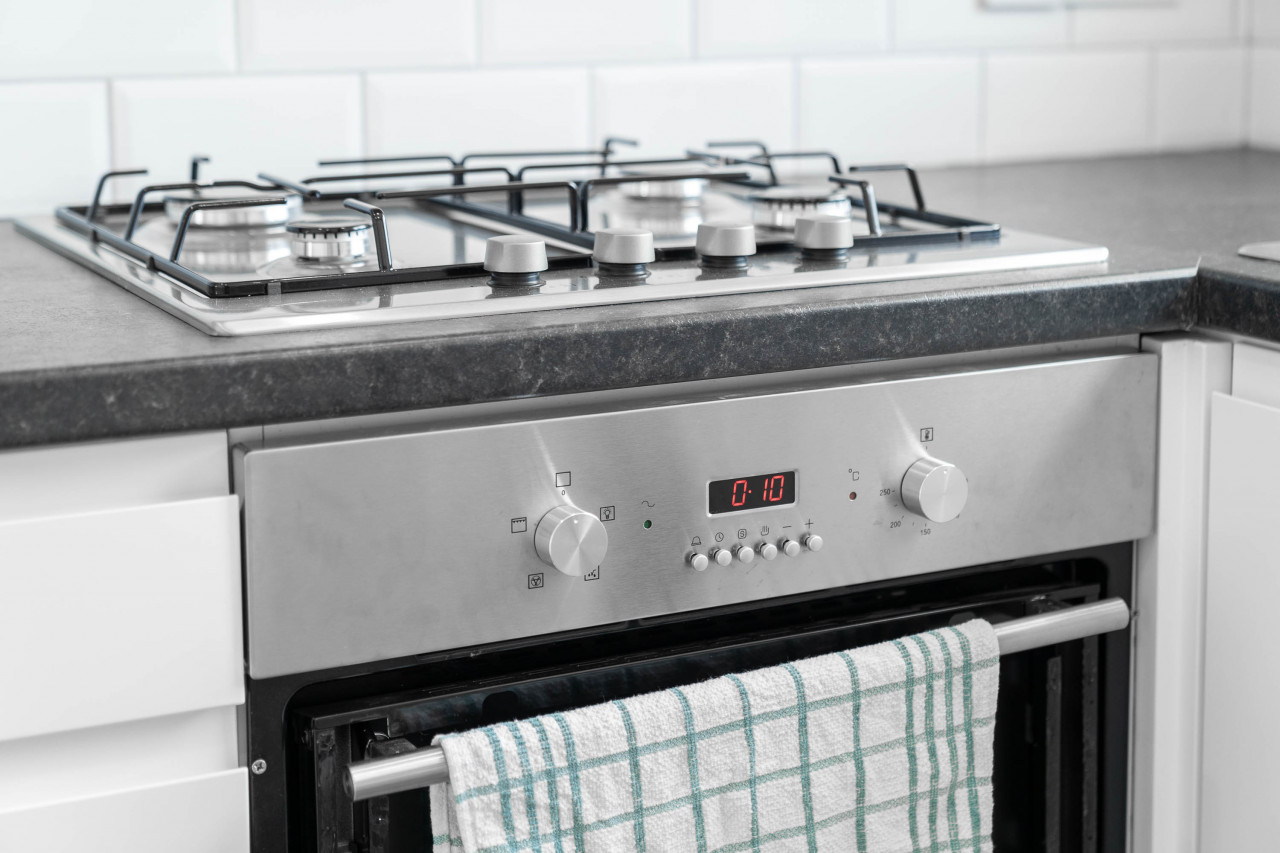
- Oven
- Microwave
- Freezer
- Toaster
- Wine Glasses
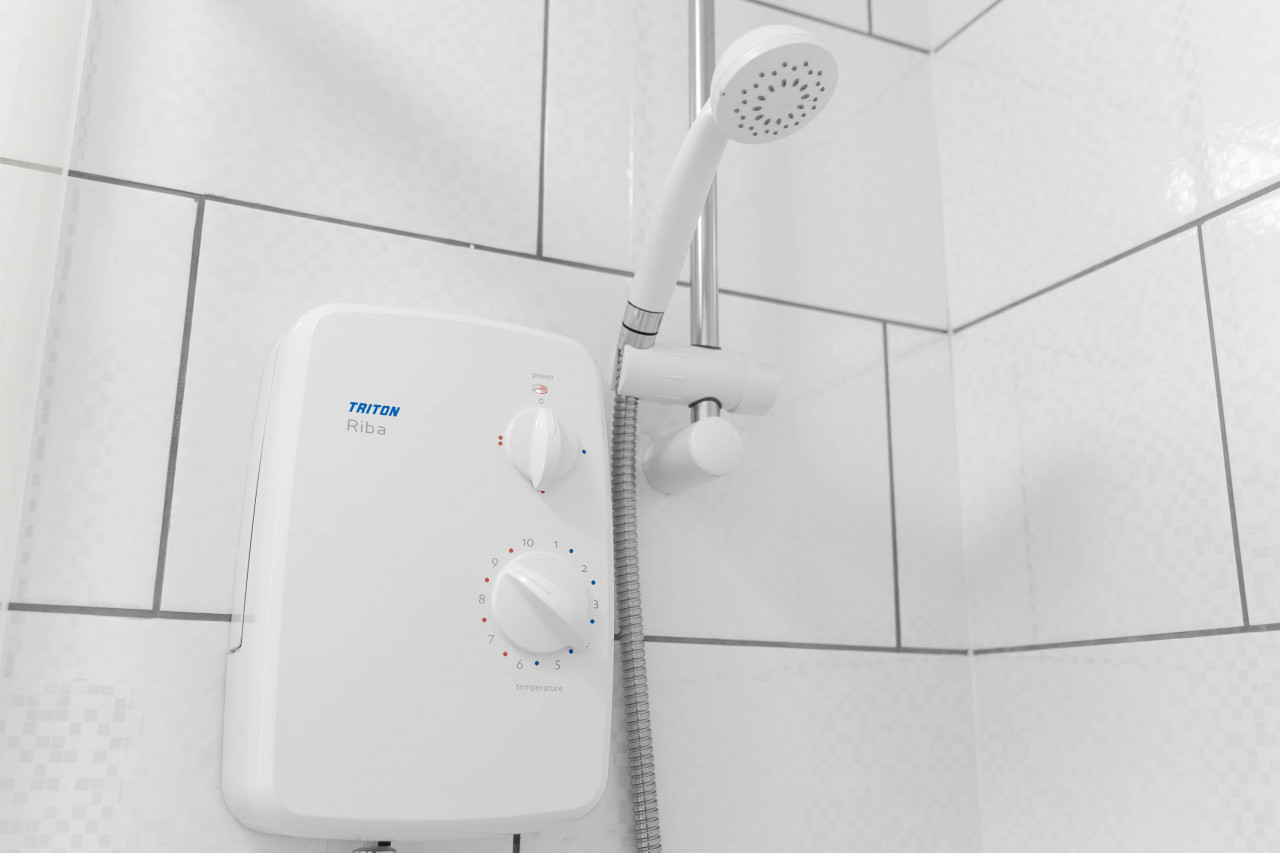
- Showers
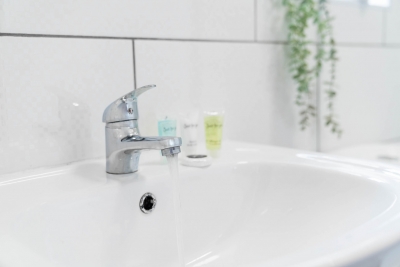
- Shampoo
- Hot Water
- Hangers
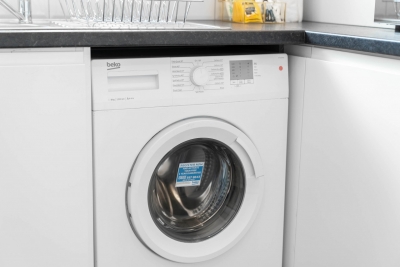
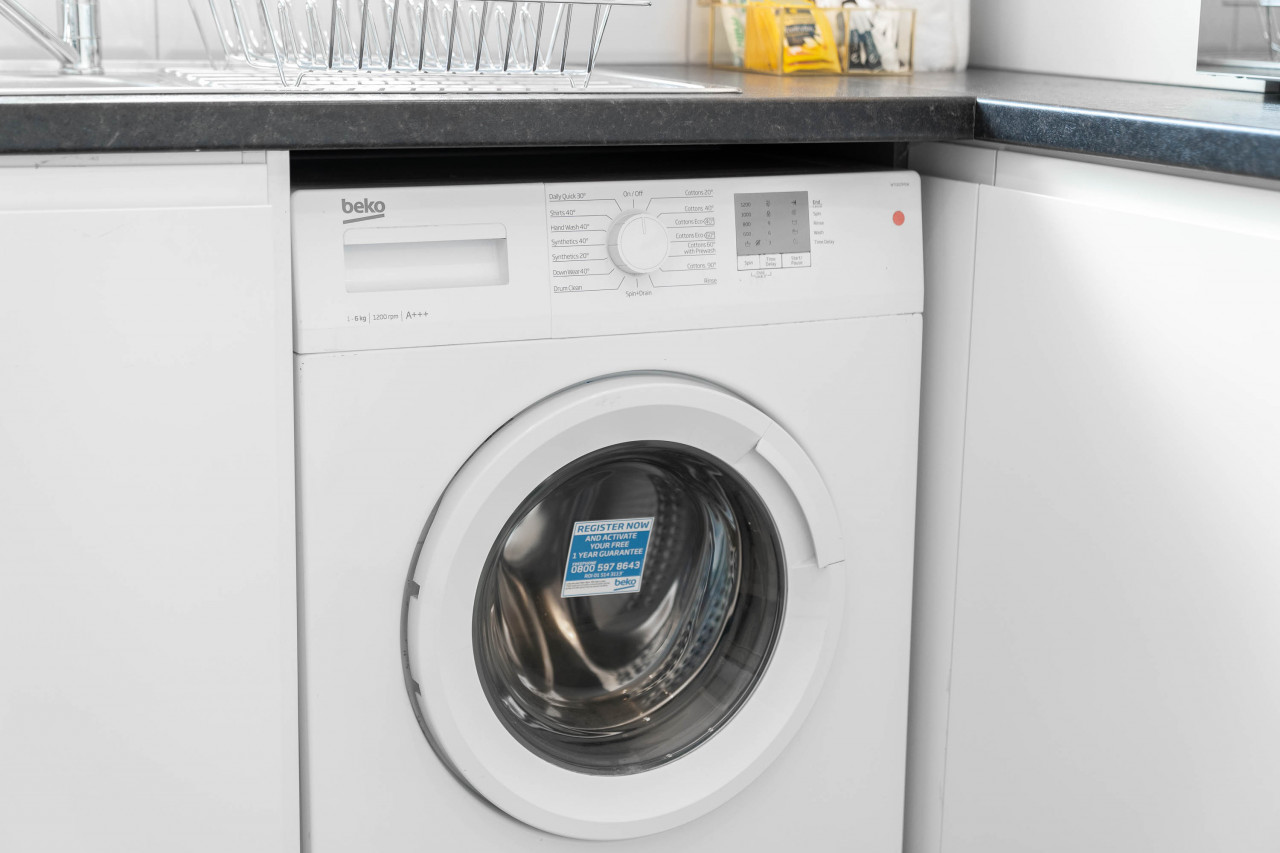
- Washing Machine
- TV
- Hair Dryer
- Iron
- Pets allowed
- Street parking
- Free parking
- Suitable for children
- Suitable for infants
- Iron board
- Linens
- Electric kettle
- Stove
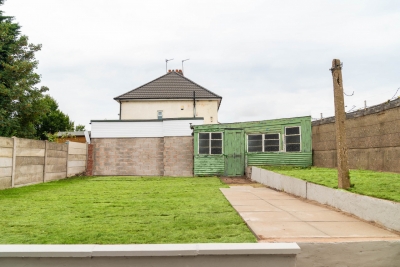
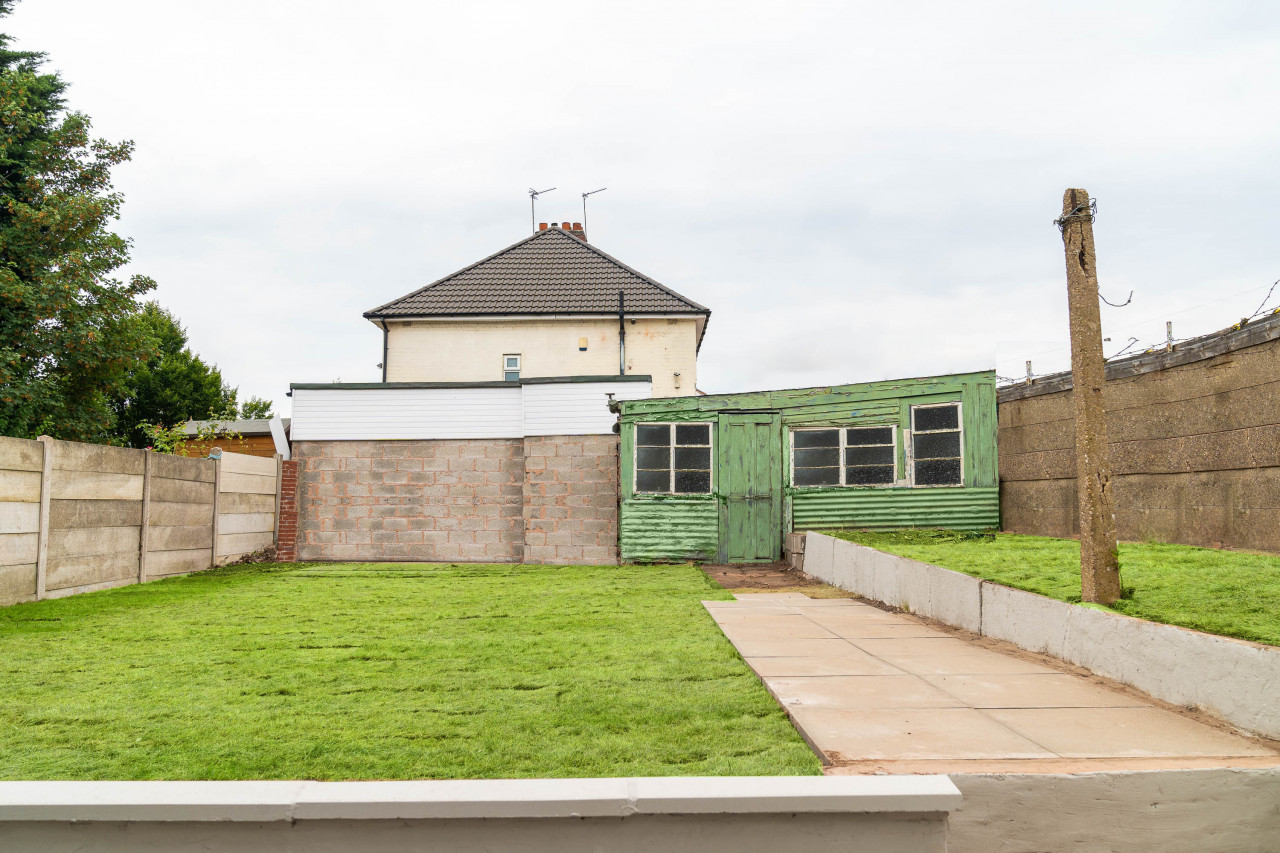
- Garden or backyard
- Kitchen utensils
- Dining area
- Long term stays allowed
- Dining table
- Body soap
- Conditioner
- Shower gel
- Clothing storage
Legal information
This property is managed, accredited, or represented by a company. This designation is not related to taxes, including VAT or other indirect taxes, but is required under EU consumer law. More information about the company can be found here: View Company Details
Welcome to Your Stay We’re delighted to host you and hope you have a comfortable and enjoyable stay. Please take a few moments to read the information below to help you settle in and make the most of your visit. Smart TV Instructions The property is equipped with a Smart TV for your entertainment. How to Use the TV • Turn on the TV using the remote control • Press the Home button to access the Smart TV menu • Open apps such as Netflix, YouTube, Prime Video, and more • You are welcome to log into your own streaming accounts during your stay • Please remember to log out before check-out If the TV Is Not Responding • Check that the TV and remote both have power • Ensure the correct HDMI/source input is selected • Restart the TV if needed Heating & Thermostat The property has a wall-mounted thermostat to control the heating. Using the Thermostat • Press the + button or turn the dial clockwise to increase the temperature • Press the − button or turn the dial anti-clockwise to reduce the temperature • The heating may take a few minutes to respond after changes are made • Setting the temperature extremely high will not heat the property faster If you have any issues with the heating, please contact us during our contact hours. Kitchen Appliance Instructions The kitchen is fully equipped with essential appliances for your stay. Hob / Cooker • Turn on the hob using the control knobs or touch controls • Select the desired heat setting • Ensure the hob is fully switched off after use • Allow surfaces to cool before cleaning Safety Reminder • Never leave cooking unattended • Keep flammable items away from the hob while in use Oven • Select the cooking function using the control dial • Set the desired temperature • Allow the oven to preheat if required • Turn the oven off after use Microwave • Place food inside and close the door securely • Select the power level and cooking time • Press Start to begin heating Kettle • Fill with water without exceeding the maximum fill line • Place securely on the base and switch on • The kettle will switch off automatically once boiled Toaster • Place bread into the slots • Choose your preferred browning level • Push the lever down to begin toasting Please ensure all appliances are switched off after use. Wi-Fi Information The Wi-Fi network name and password can be found in your Airbnb booking information. Please refer to your booking confirmation for the latest connection details. Late Check-Out Requests If you would like to request a late check-out, please contact us the evening before your departure. Please note: • Late check-outs are subject to availability • We may not always be able to accommodate requests when new guests are arriving the same day • We will confirm availability as soon as possible Parking Information Please contact us regarding parking arrangements, as some properties may require vehicle registration before arrival. If parking is included with your booking, please send us your vehicle registration number in advance. Important Notes • Parking may be limited to one vehicle per booking • Unregistered vehicles may not be permitted on site • Parking availability depends on the property booked If you have any questions regarding parking, feel free to contact us before your stay. Contact Hours We are available to assist guests during the following hours: 10:00 AM – 9:30 PM (Daily) We will always do our best to respond as quickly as possible during these times. Emergencies & Out-of-Hours Assistance If there is an emergency outside our contact hours, please contact Airbnb Emergency Support directly through the Airbnb app or website. For urgent medical, fire, or police emergencies, please contact the local emergency services immediately. House Rules Reminder To help everyone enjoy their stay, we kindly ask guests to: • Respect the property and neighbours • Avoid smoking inside the property • Switch off lights and appliances when not in use • Ensure doors and windows are locked when leaving Thank you for staying with us — we hope you have a wonderful visit and an enjoyable stay!Frequently asked questions
Your question not answered? Ask here!
Important information for guests at this property
At check-in, you must present a valid photo ID and a credit card. Please note that all special requests are subject to availability and may incur additional charges.

Already booked 59% this season

for a better price
See on map
 Share on Facebook
 Share on X
 Share on Whatsapp